
4 Powerful NotebookLM Features You're Overlooking
The post mentions advanced capabilities like the Studio panel for generating podcasts, infographics, and slide decks, as well as integrating notebooks with Gemini Gems to create specialized AI assistants

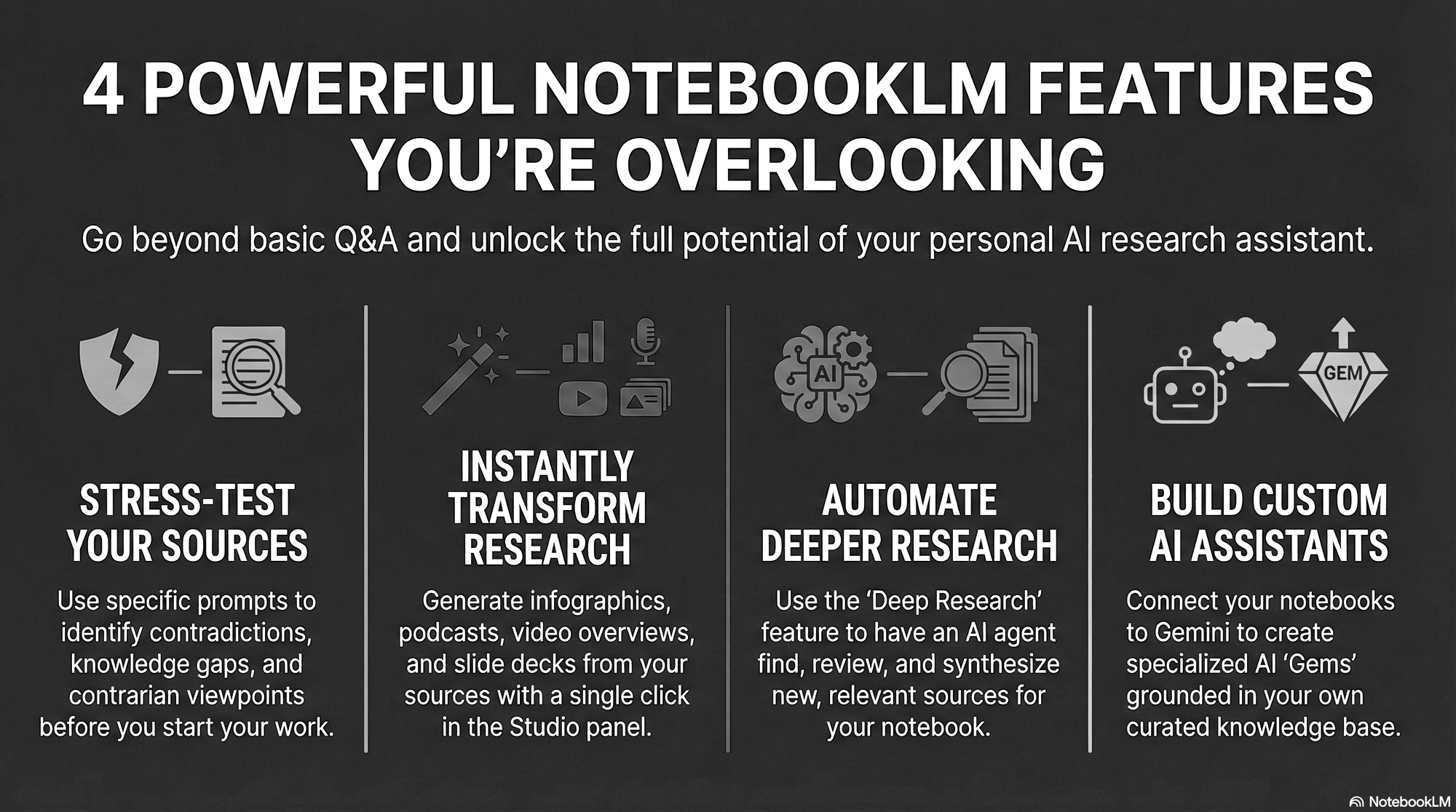
While Google's NotebookLM has steadily grown in popularity, it remains one of the most underrated AI tools available. It's a powerful platform for anyone looking to make sense of complex information, but most users only scratch the surface of what it can do.
The tool's capabilities have expanded massively in recent months, with powerful new features and integrations that most people haven't realized yet—and it's still free for most users. Many people see it as a simple research summarizer, a place to upload documents and ask basic questions.
This post reveals four of the most powerful and impactful ways to use NotebookLM that go far beyond simple summarization - features that transform it from a helpful utility into an indispensable platform for research, creativity, and productivity.
Kevin from Futurepedia is one of my favorite YouTube sources for learning.
1 - Stress test your sources
Before you even begin analyzing a new topic, run the knowledge base through a three-prompt quality audit. This expert workflow, one of NotebookLM's most powerful but overlooked features, ensures you're not building my work on a foundation of incomplete or biased information.
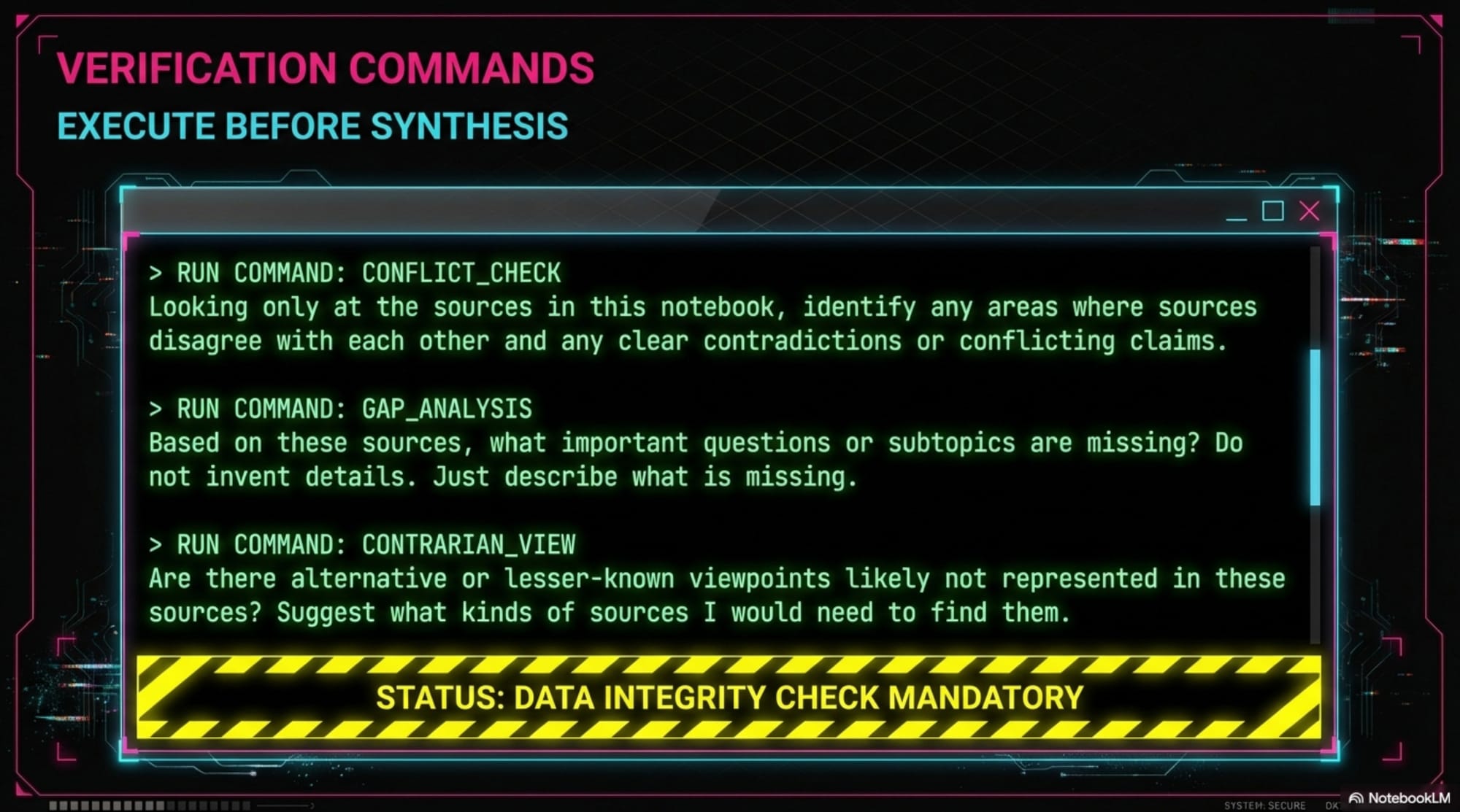
It transforms the tool into a critical research assistant that stress-tests your sources before you start. To do this, follow a simple, three-prompt process:
Prompt 1: Find Contradictions
First, use a prompt that asks the tool to find any areas where your sources disagree or present conflicting claims. This immediately highlights inconsistencies and helps you pinpoint areas that may be wrong or require more nuanced understanding. If all your sources are in agreement, you can proceed with greater confidence.
Prompt 2: Identify Gaps
Next, ask the model what important questions or subtopics are missing or barely covered in the provided sources. It's often difficult to know what you don't know, especially with a new topic. This prompt helps you identify crucial gaps in your research, showing you where you need to find more information to form a complete picture.
Prompt 3: Uncover Alternative Views
Finally, prompt the tool to identify any contrarian, alternative, or lesser-known viewpoints that are likely not represented in your sources. This is especially useful for controversial or rapidly evolving topics where the consensus view isn't always the correct one. It helps ensure you aren't stuck in an echo chamber and are aware of other perspectives.
By running these 3 prompts before you dive deep, you can significantly reduce the risk of working with incomplete or biased sources, making any serious research project more robust and reliable.
2 - Transform Information into Multimedia
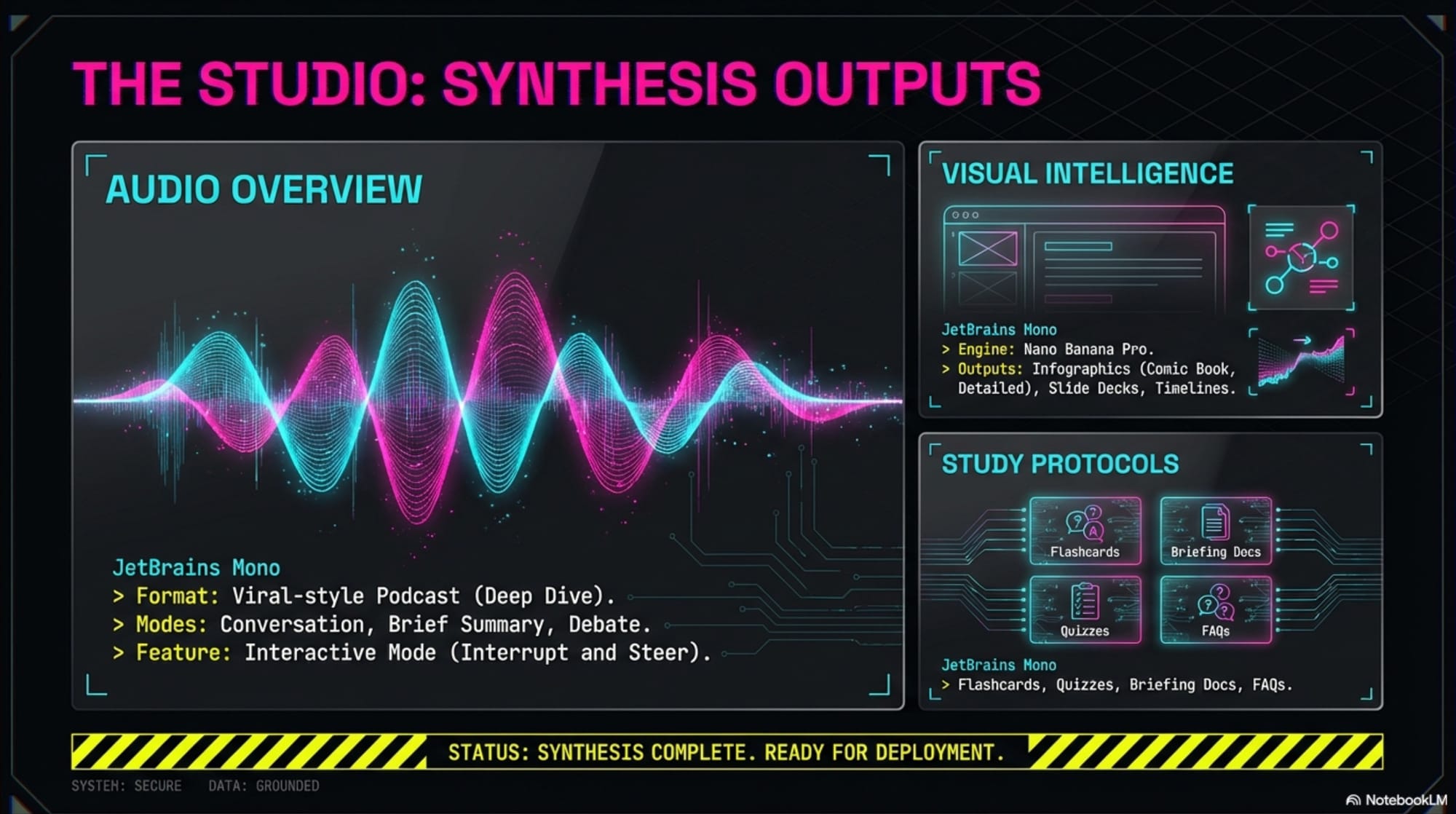
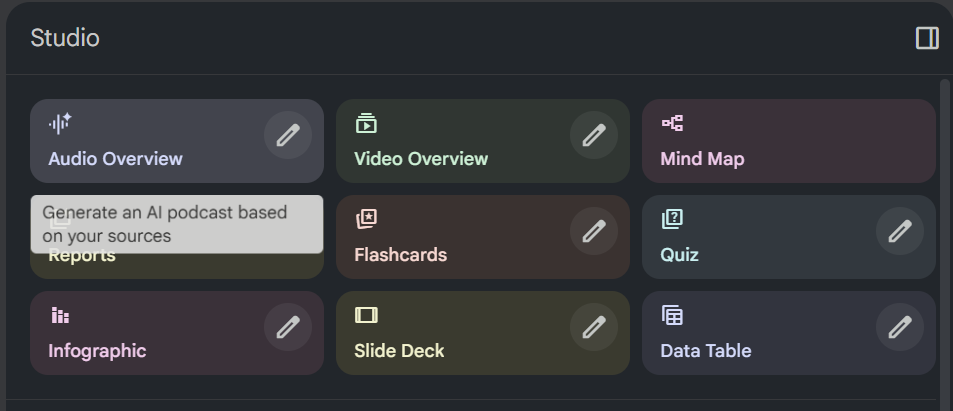
The "studio panel" on the right side of the NotebookLM interface is where raw information becomes dynamic, usable content. This is where the tool transforms your knowledge base into a range of incredibly helpful formats, many of which are visually stunning and highly practical.
Here are a few of the most impressive generation features:
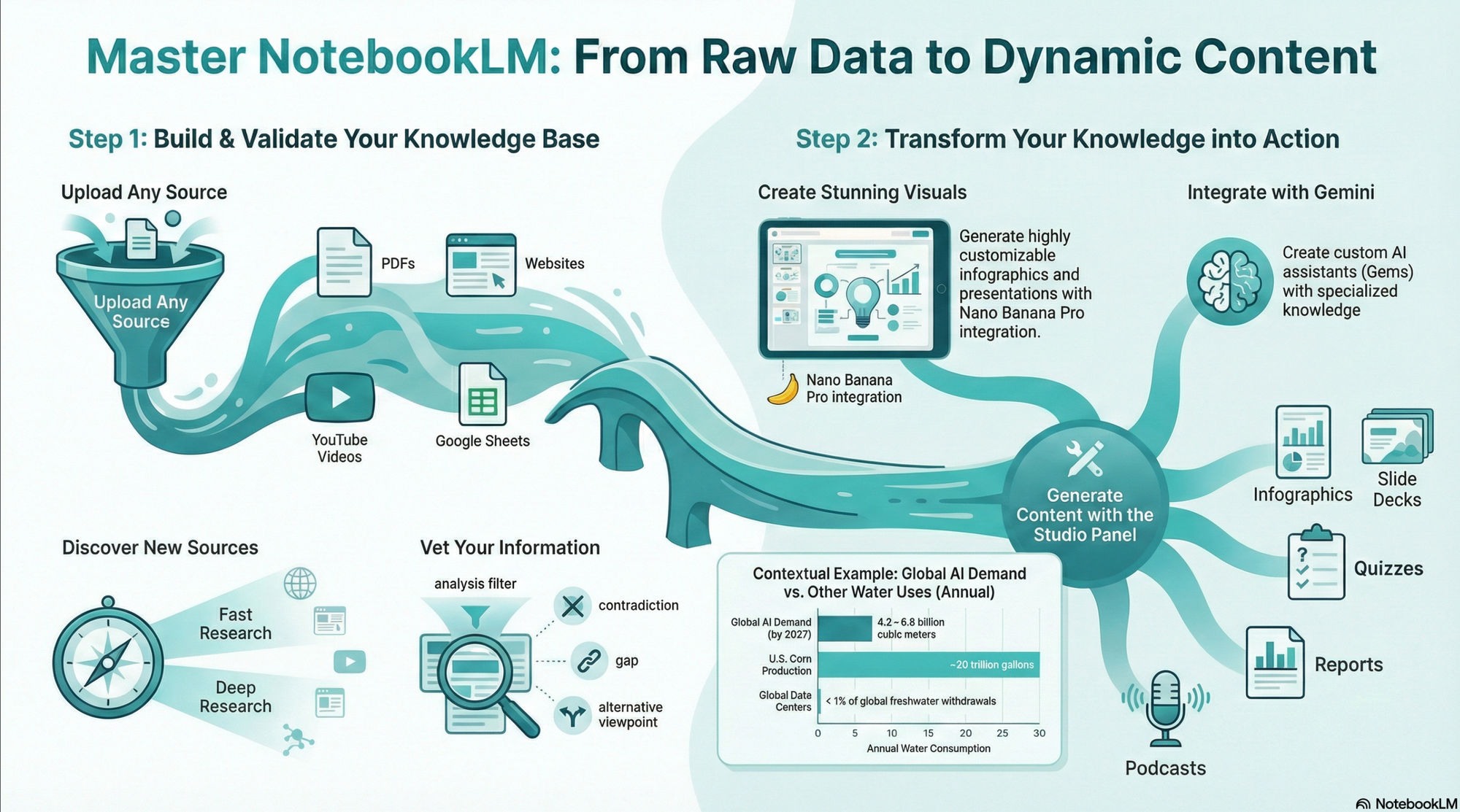
Infographics Using the powerful Nano Banana Pro engine, NotebookLM can generate beautiful infographics to visualize your data. The results can be surprisingly creative. For instance, when prompted to style an infographic about AI water usage like a "comic book villain origin story," the tool produced an amazing result where the text and style were "completely perfect."
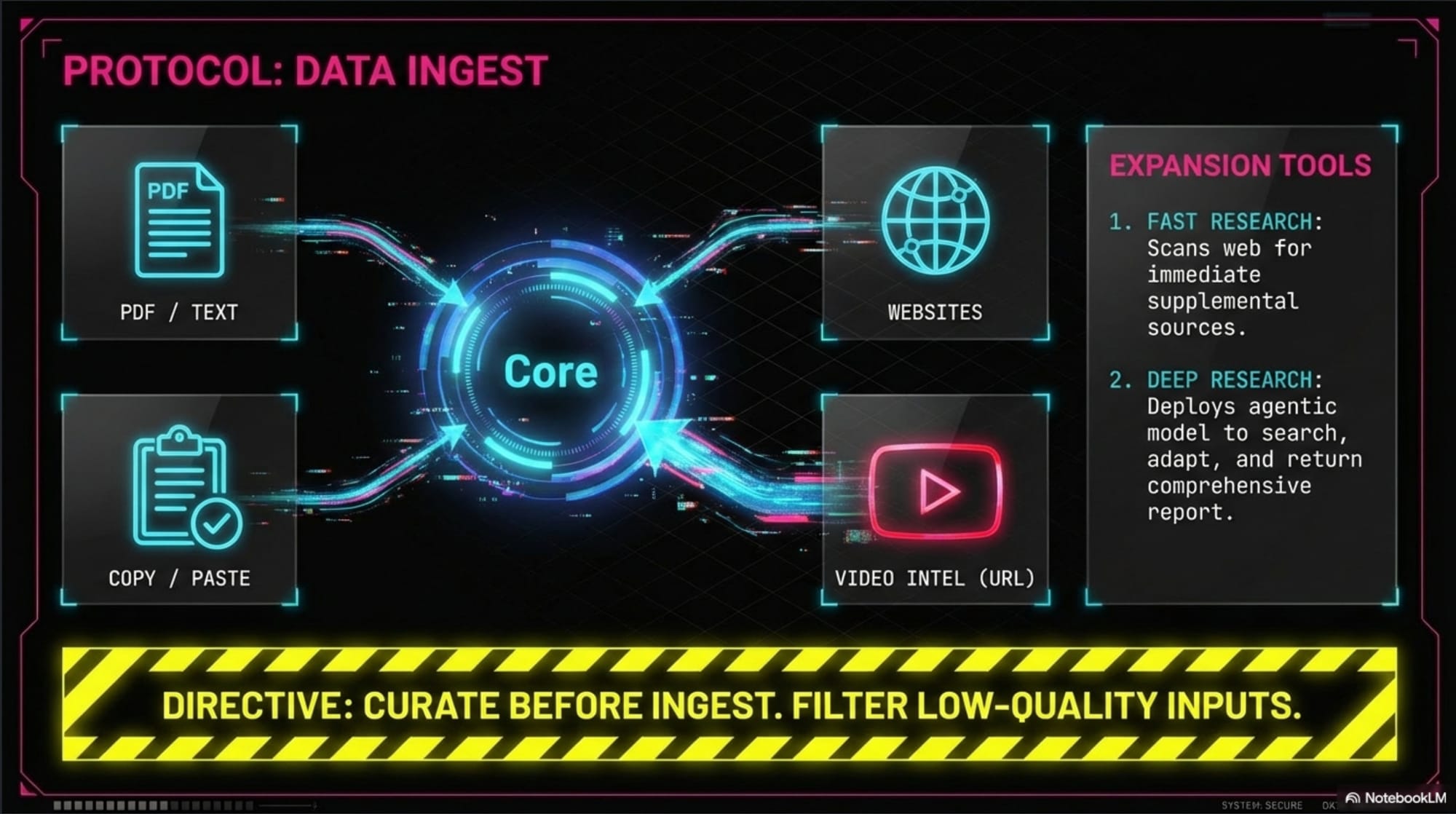
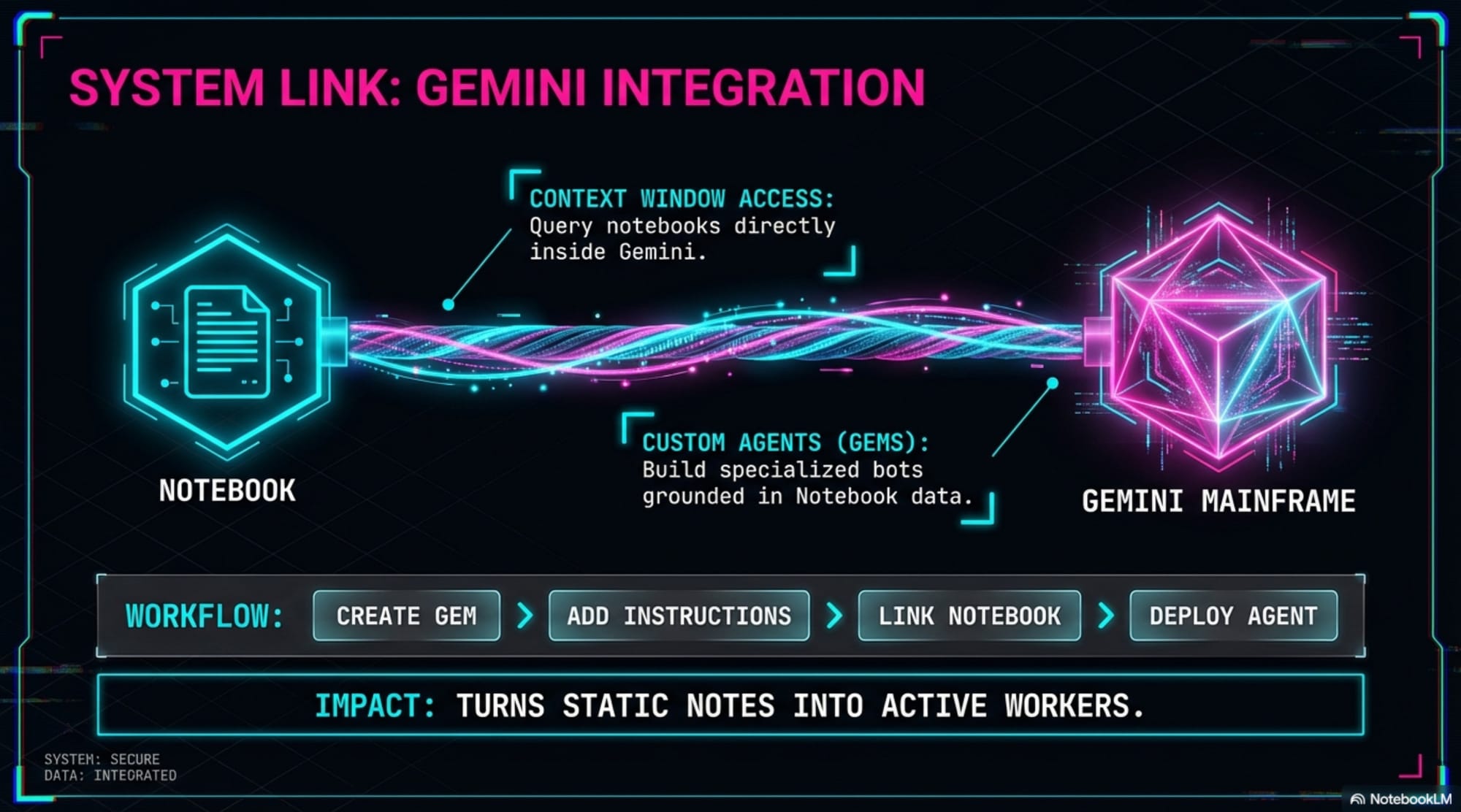
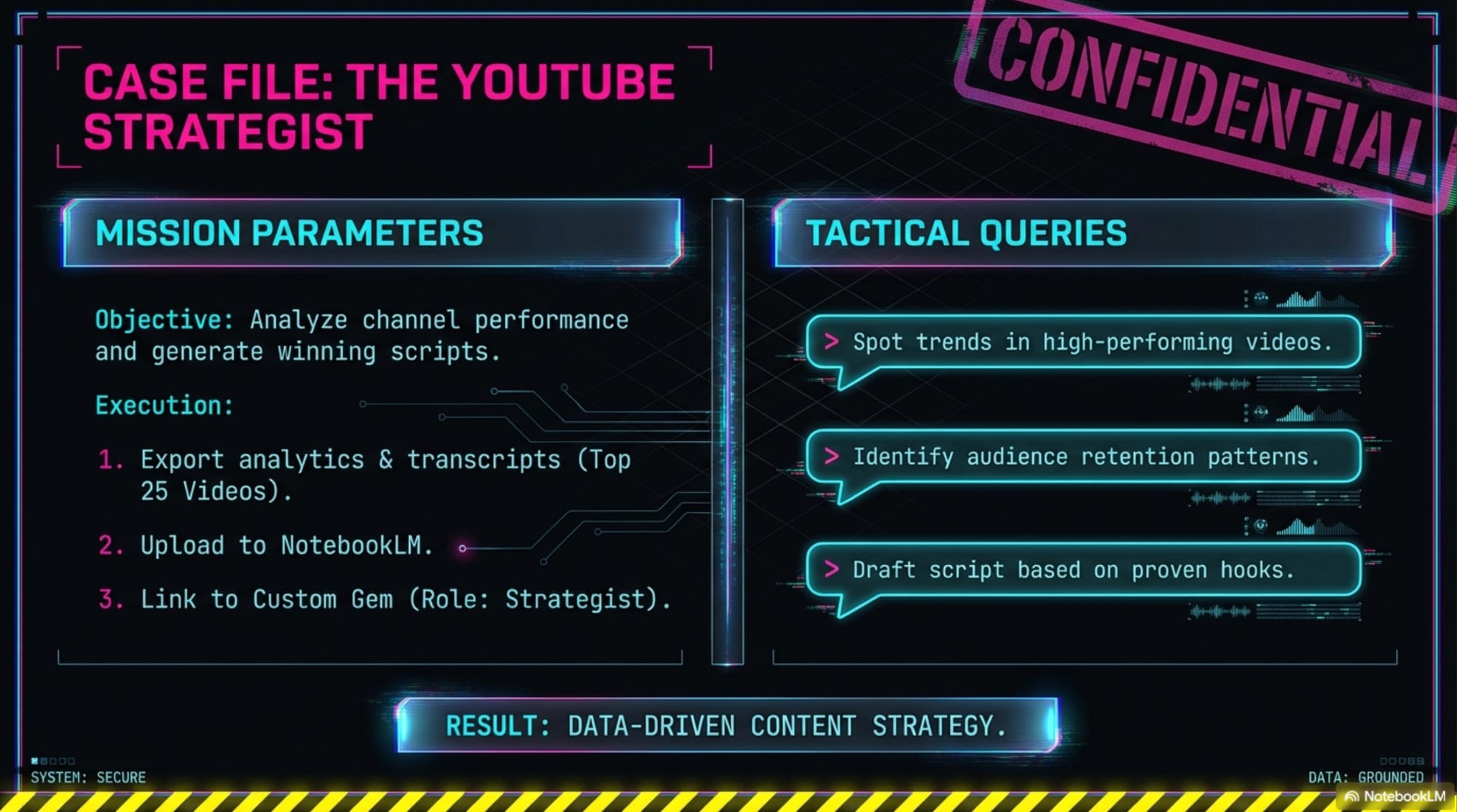
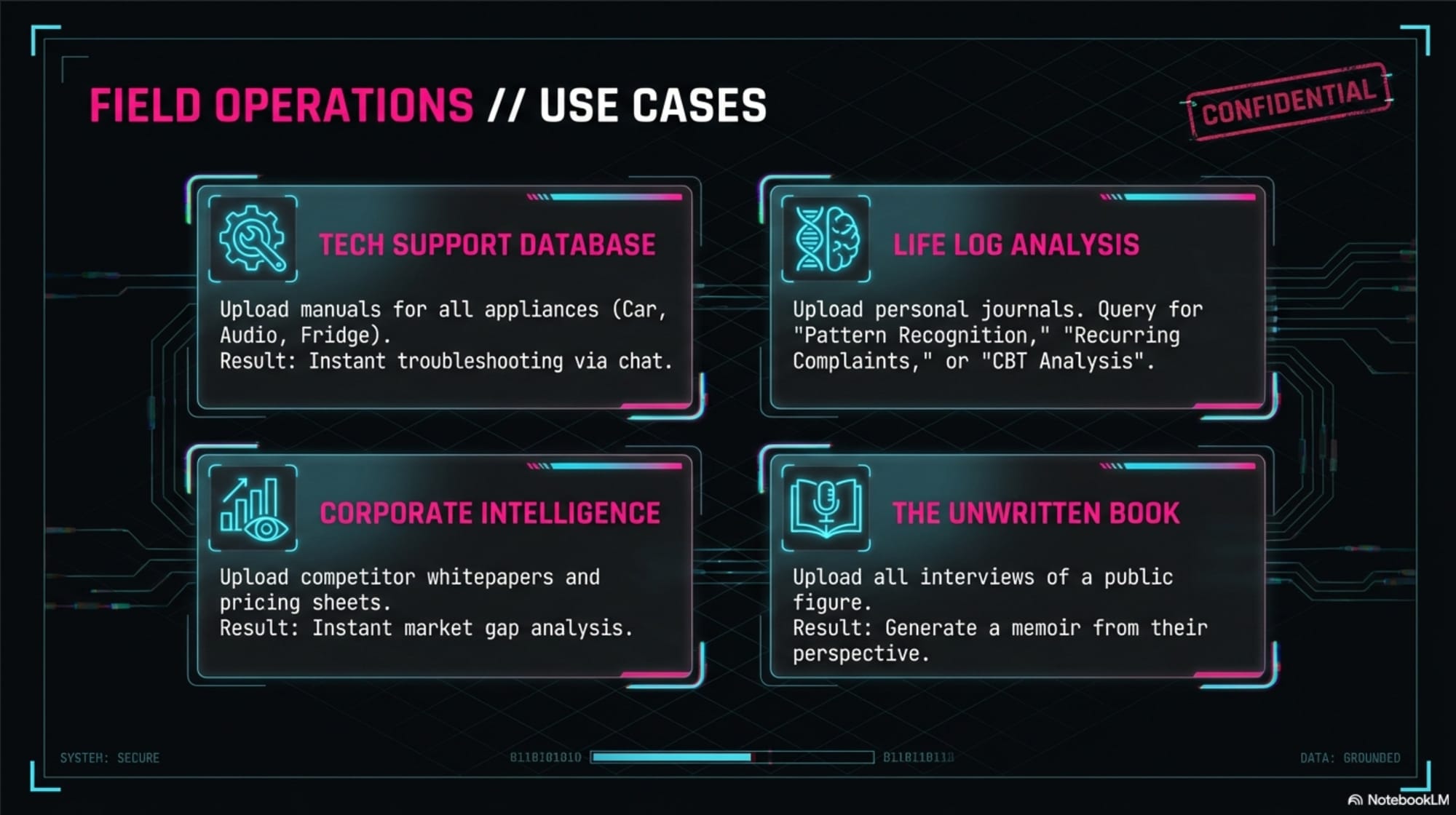
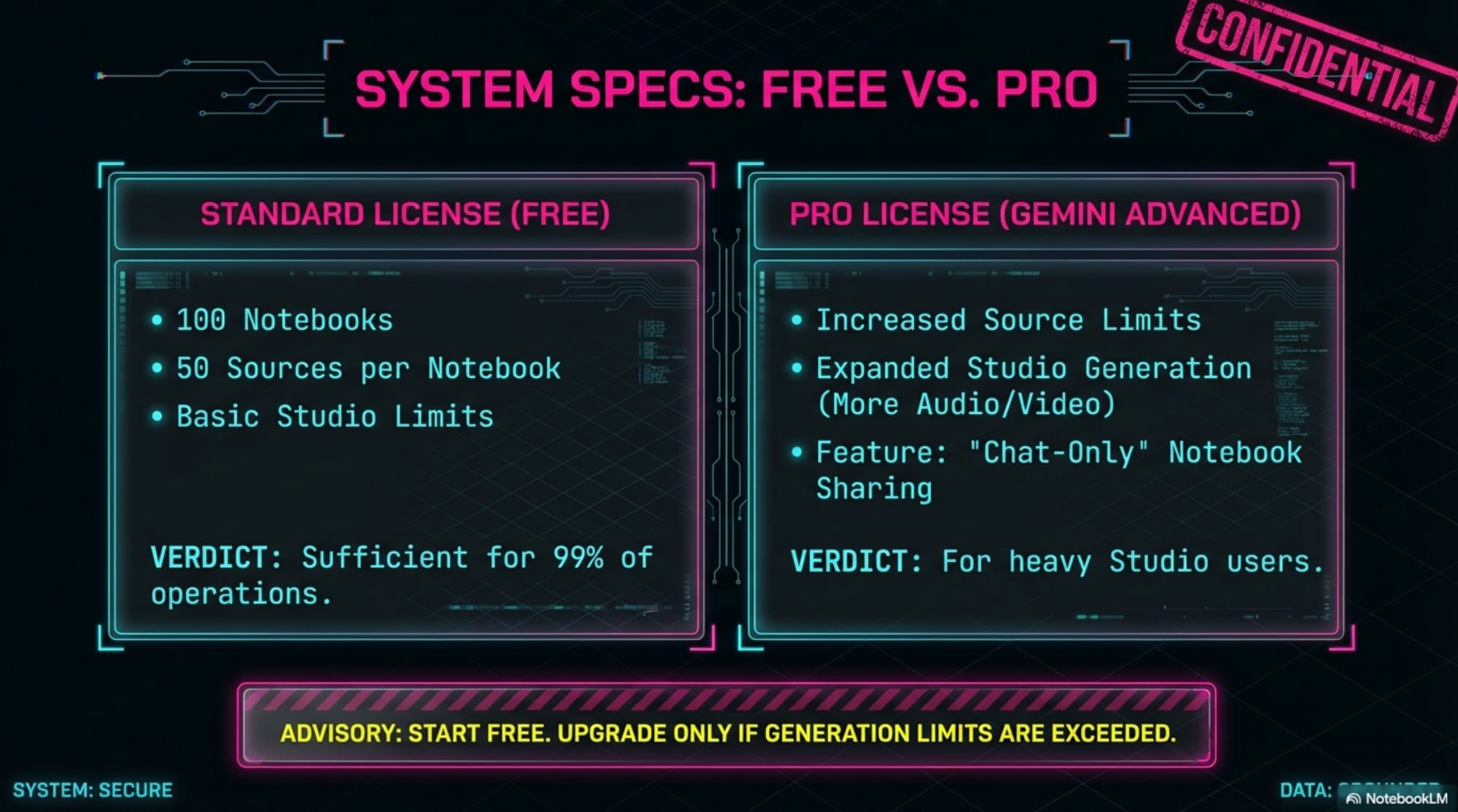
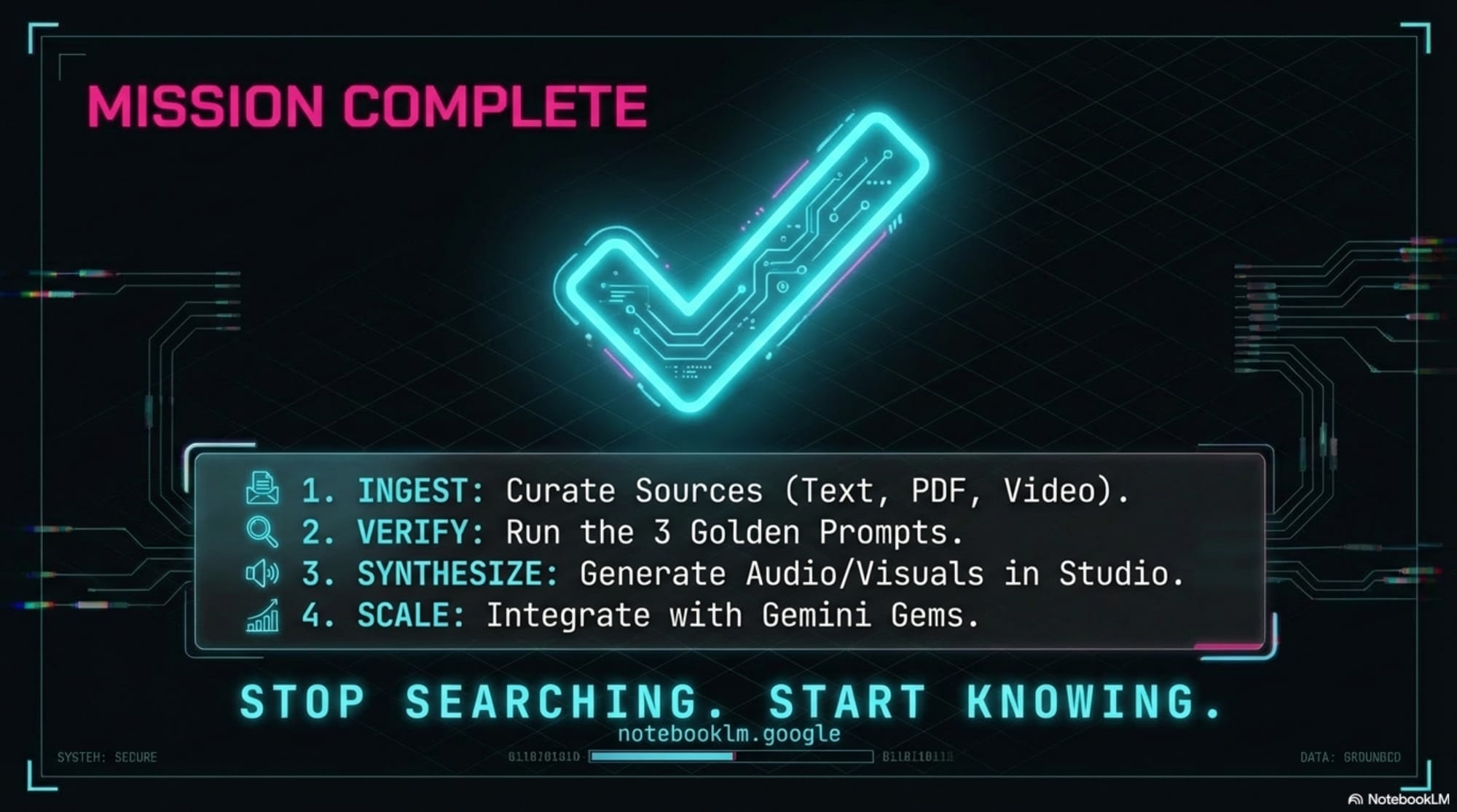
Slide Decks The tool can create both detailed, text-heavy slide decks for reading and clean presenter slides with key talking points. The customization is remarkable. Here I asked for a deck in a "cyberpunk aesthetic with dark backgrounds bright neon pink and electric blue highlights glitch effects... like Blade Runner meets data visualization."
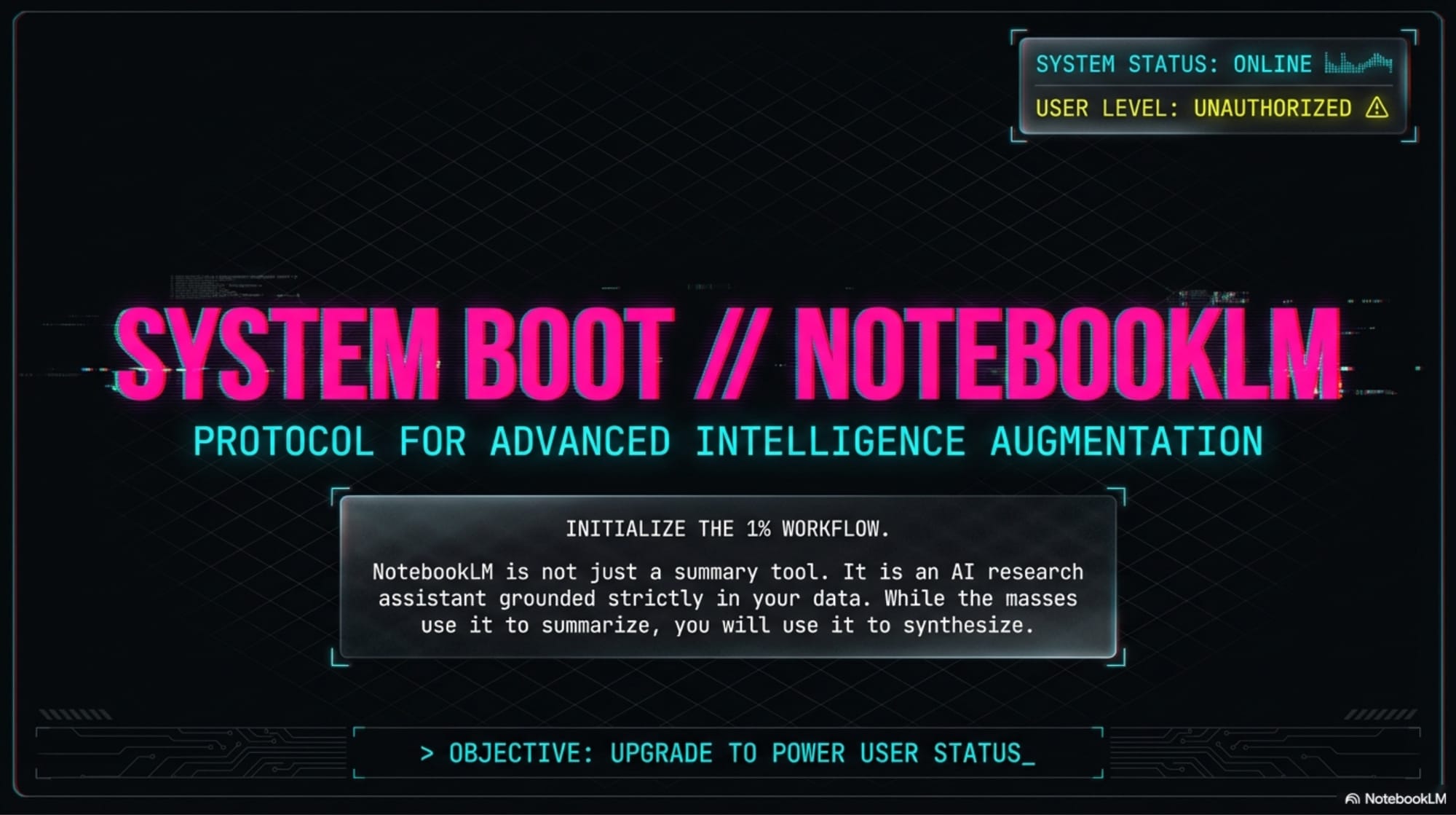
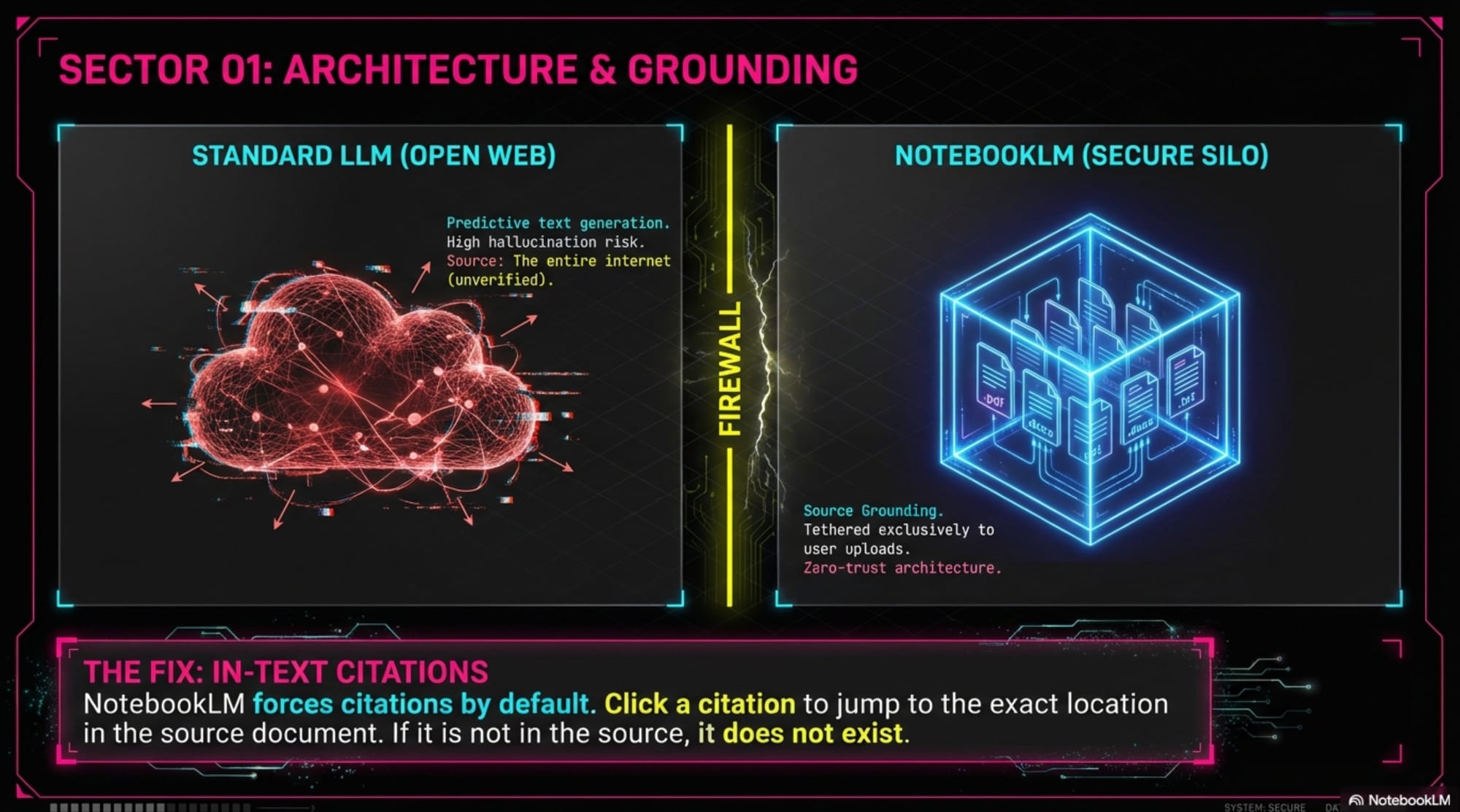
BONUS TIP: Use Canva to edit your NoteBookLM Slide text !!
Audio Overviews The podcast feature, generates a "lively conversation between two hosts" to unpack the topics in your sources. It's an excellent way to absorb complex information in a more digestible format, framing concepts with analogies that make them easier to retain. The following quote demonstrates how it makes complex data understandable:
"The truth is AI's water use is actually small compared to some other industries... One source compared AI to US corn production... Corn alone requires around 20 trillion gallons of water per year for irrigation... that's nearly 80 times more water annually than all the world AI servers combined."
The studio panel is a full suite of tools for presenting information, also offering formats like Video Overviews, Mind Maps, and Data Tables.
3 - Your Custom AI Assistant
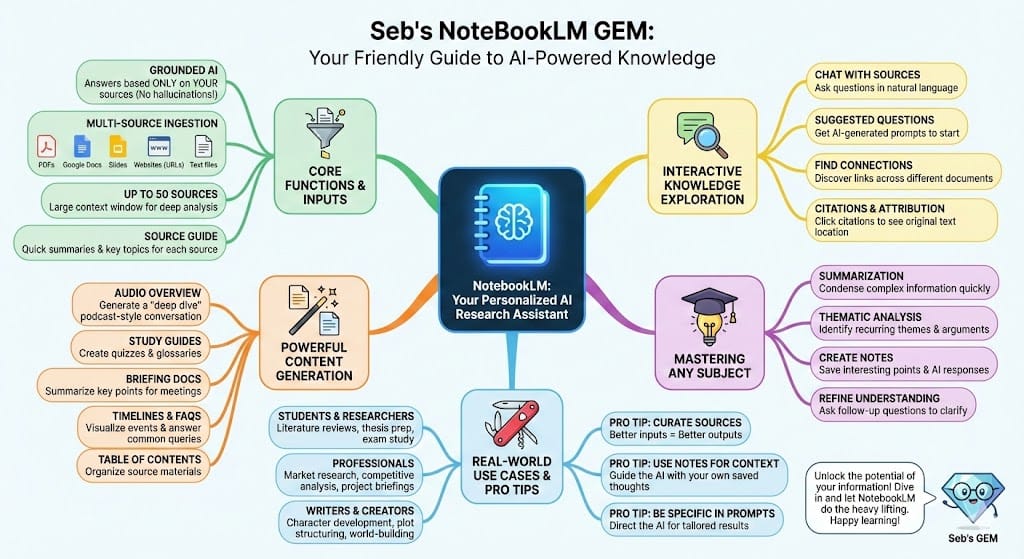
One of the most incredible features that most people have no idea about is the direct integration between NotebookLM and the Gemini app. You can connect any of your notebooks to Gemini, using it as a grounded knowledge base for your conversations. But the real power comes when you use this feature to build a "gem"—Google's version of a custom GPT.
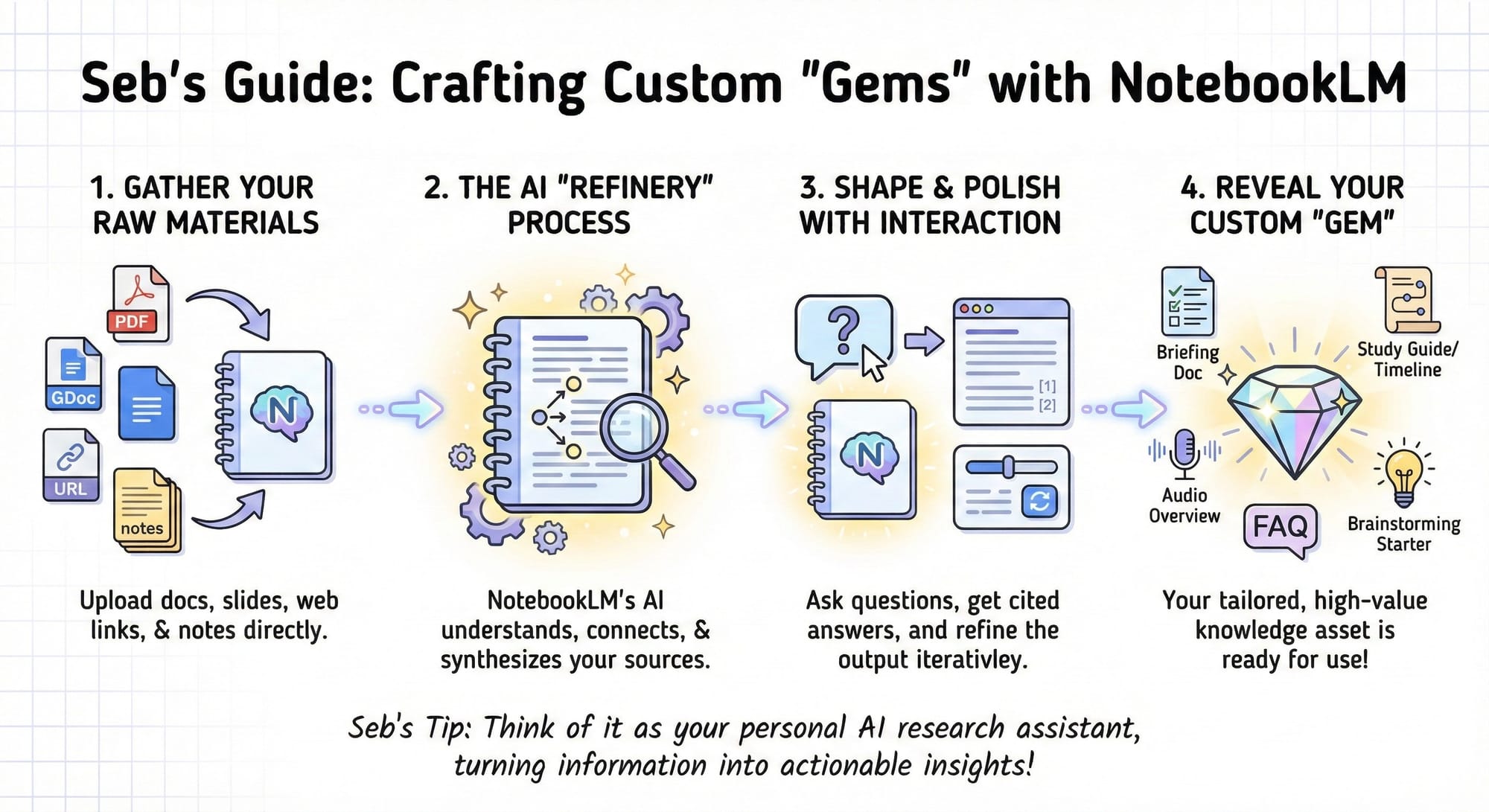
The process allows you to turn a curated notebook into the brain for a specialized AI assistant. This concept can be extended to countless other assistants. You could create:
- A "work gem" connected to a notebook with your company's internal data and SOPs.
- A "fitness coach" connected to your workout logs and nutrition research.
- A "competitor analysis assistant" for your business.
This feature allows you to create endless specialized assistants that are grounded in your own trusted information, making the AI's output far more relevant and reliable.
4 - Deep Research
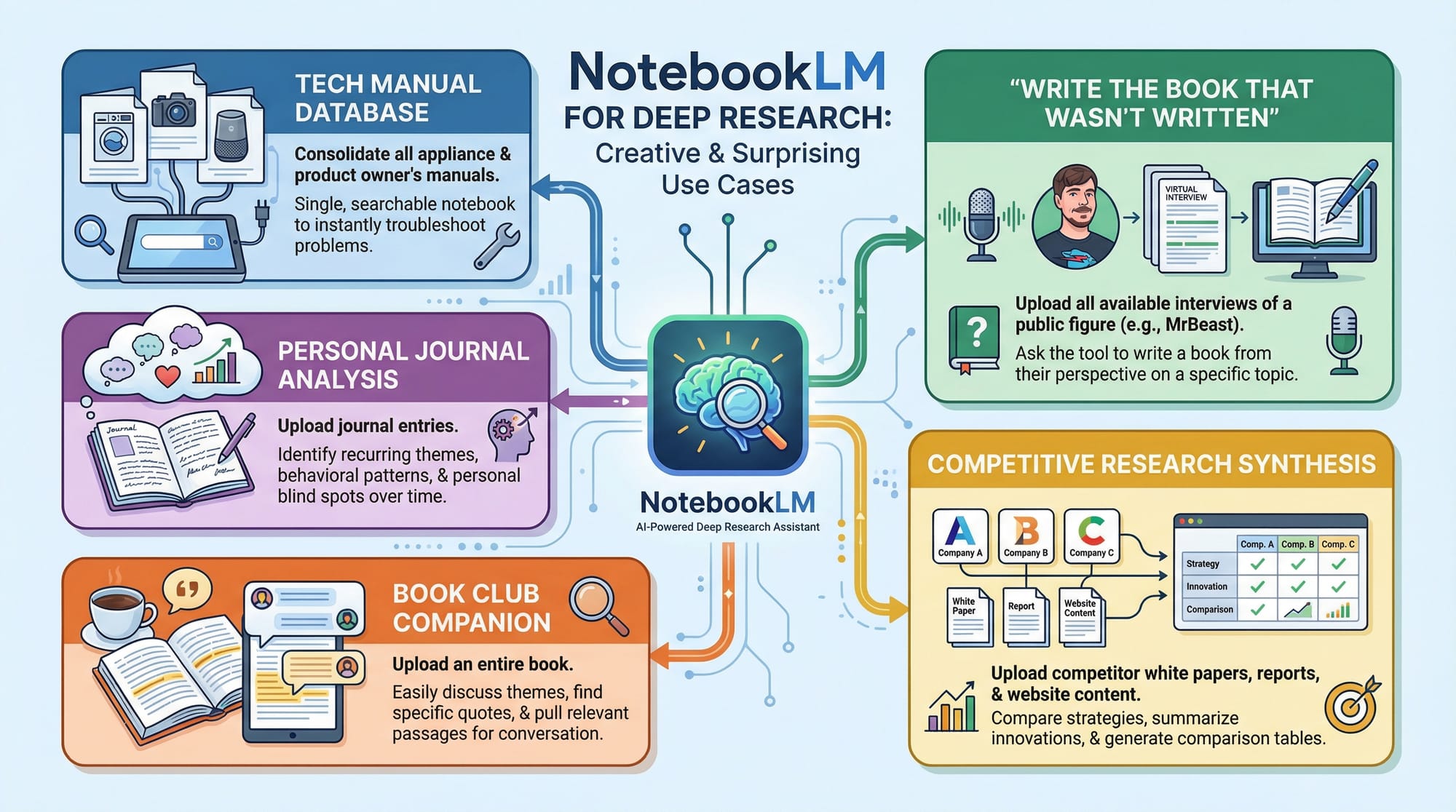
While research and learning are the tool's primary functions, its flexibility allows for many unique personal / professional applications that most people never consider.
Start thinking of NotebookLM as a platform for interacting with any collection of information, and the possibilities become endless.
Now that you've seen what's possible, what collection of information in your own life could be turned into something truly useful?