
Creating a TikTok Dance Video
With openart, it's a breeze to create any character you want doing a viral TikTok dance.

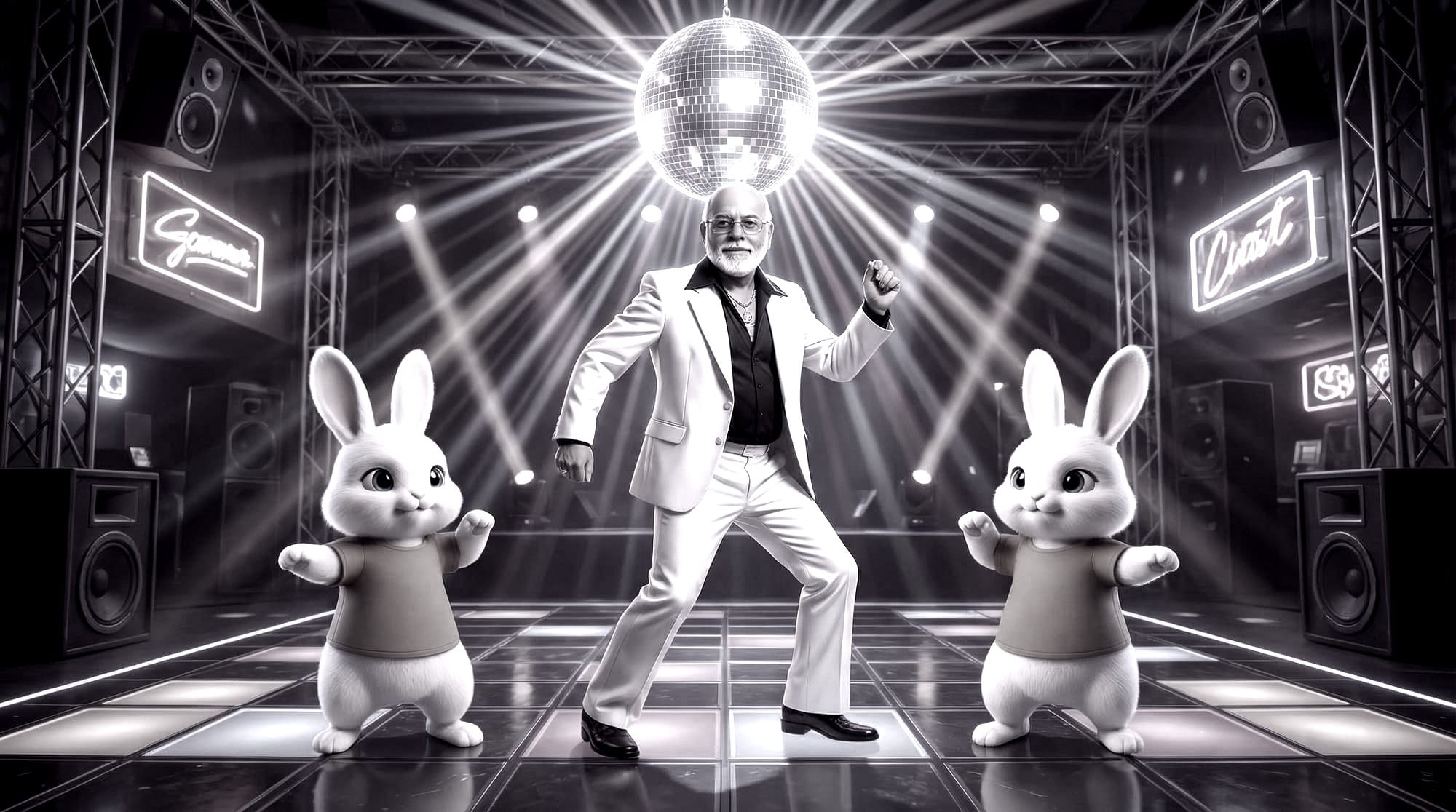
In this short post, I show how easy it is to create a TikTok dance video. No special hardware needed. You can even do it in an iPad.
On January 31st, 2026, the Pixorama Daily Art Challenge was about animals dancing. We can create images, songs, videos, etc.
I decided to create the Pixorama Bunny on a Dance Floor.
I first searched YouTube for TikTok dance video short. I found this. https://www.youtube.com/shorts/R6uj62phWxk
Using Fastone Capture software on my PC, I screen grabbed a rectangular portion of this YouTube short and saved the video clip as an MP4 file on my computer.
I also screen captured an image of the Pixorama bunny from the Pixorama YouTube Channel. In OpenArt, I replaced the background of the bunny with a cyberpunk disco dance floor. I use SeedDream 4K image at 9:16 aspect ratio for a cost of only 12 credits.
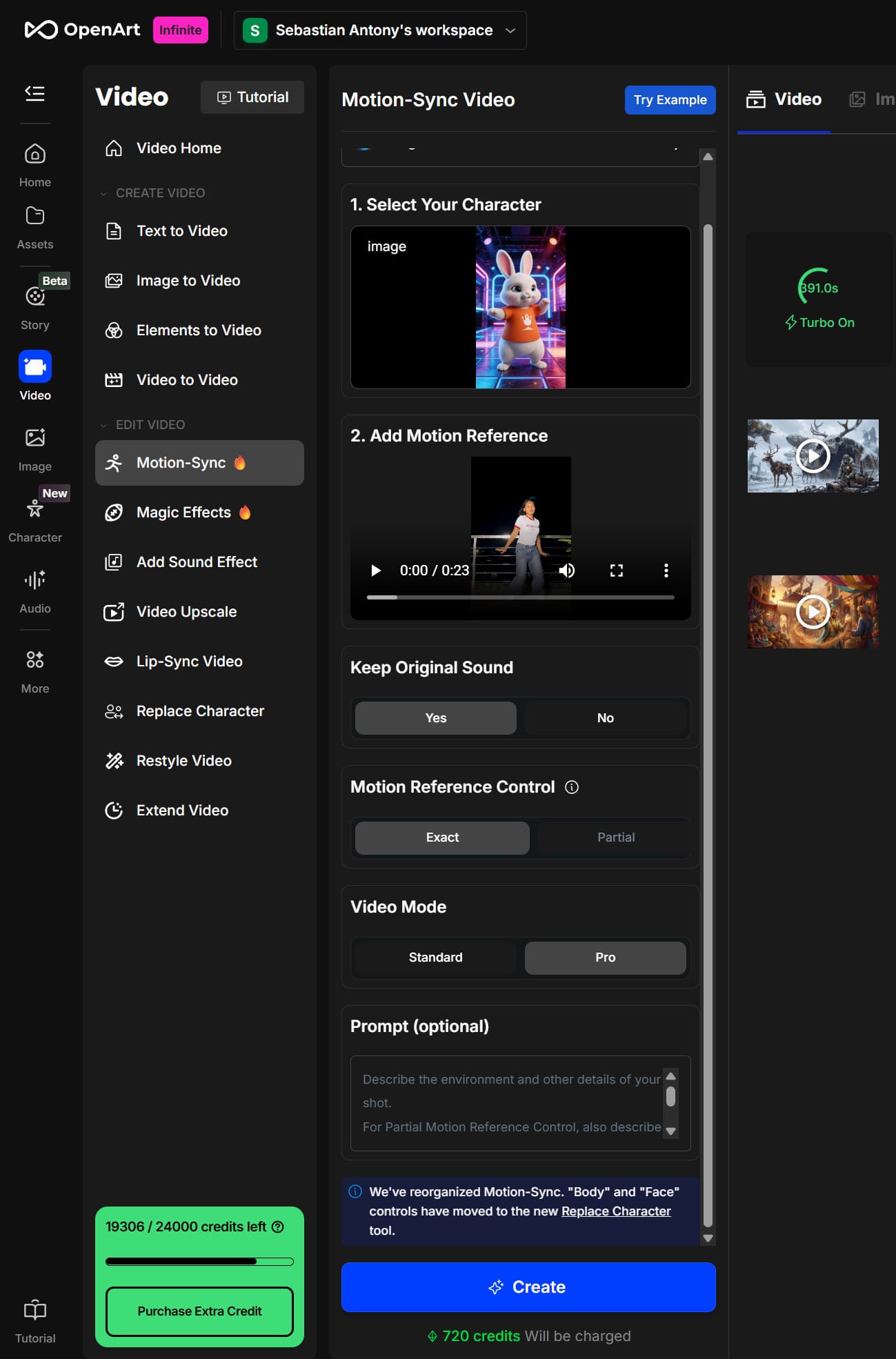
In OpenArt, I went to Motion Sync Video. I added the cyberpunk bunny as my source image and the video I captured as my motion reference.
I said keep original sound, yes, motion reference control, exact (which means my created video will be the entire length of the source video, partial will only do 10 sec) and chose video mode = pro for best results.
After about five minutes of rendering, I had this video ready.
YouTube warned me the music is copyright and will not play in certain countries. If posted on Instagram, you can actually choose the original song from the Taylor Swift, and Instagram appears to be a lot more lax about music copyright warnings.