
Photo editing and AI2Play


Let's say you wanted to place a character in a scene.
Open source, as advocated on Pixaroma Channel
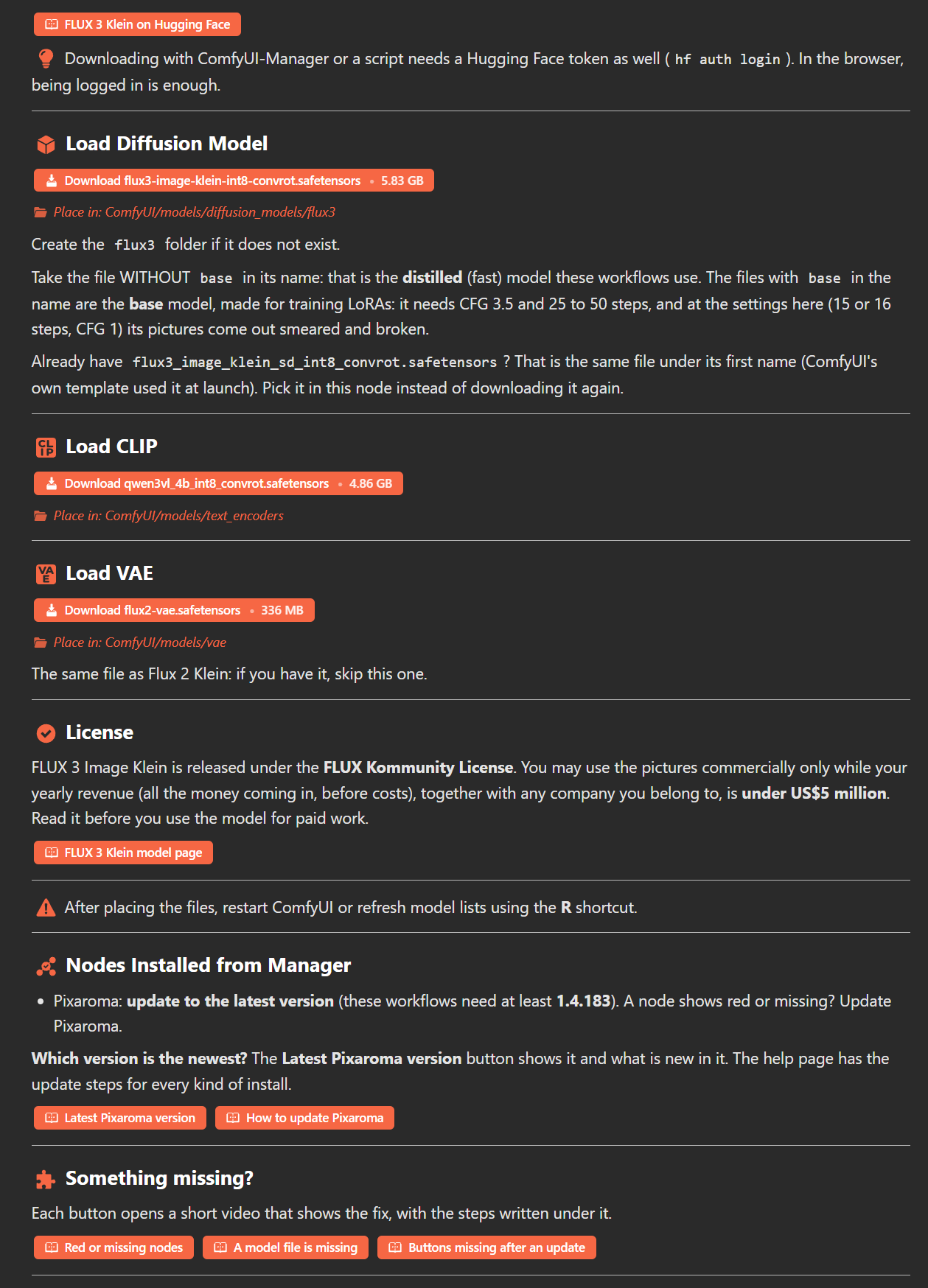
One of your options is to use the Flux 3 Klein model within ComfyUI.
You have to first download the appropriate models to your computer, with a decent graphics card.
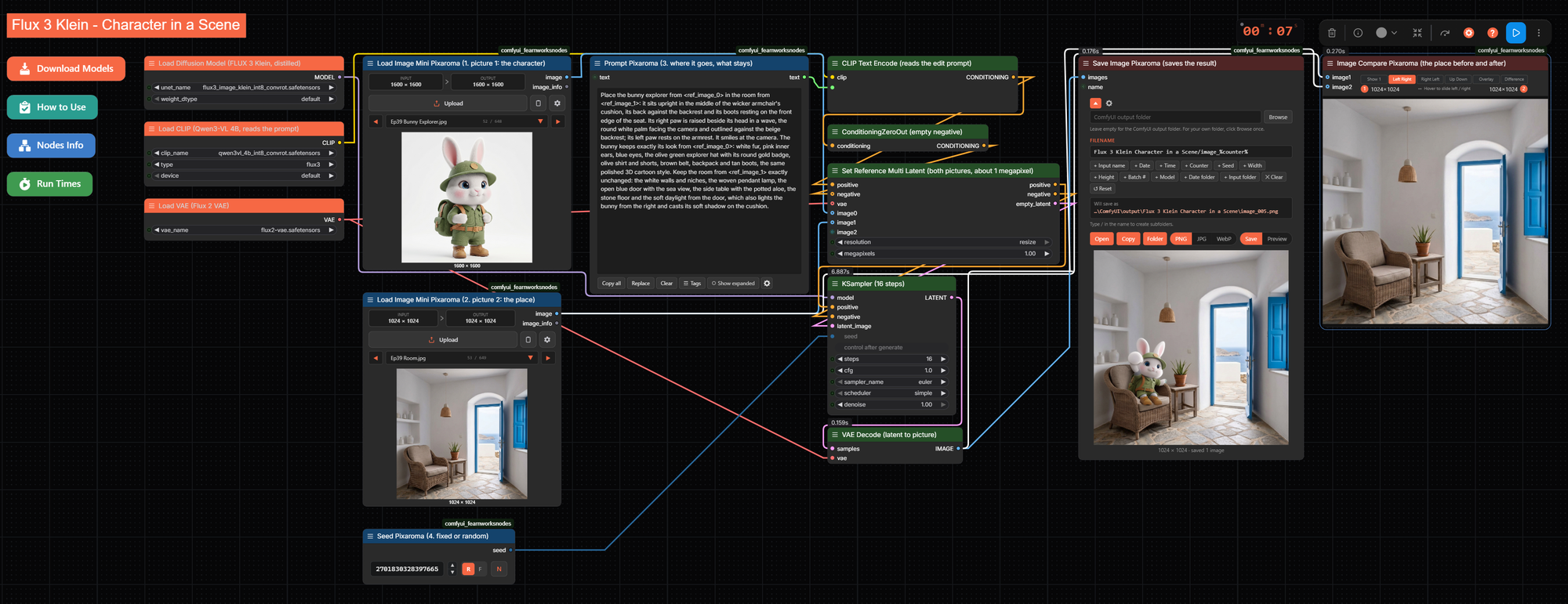
On my RTX 4090 the prompt runs locally in 7 seconds. The workflow looks like this.
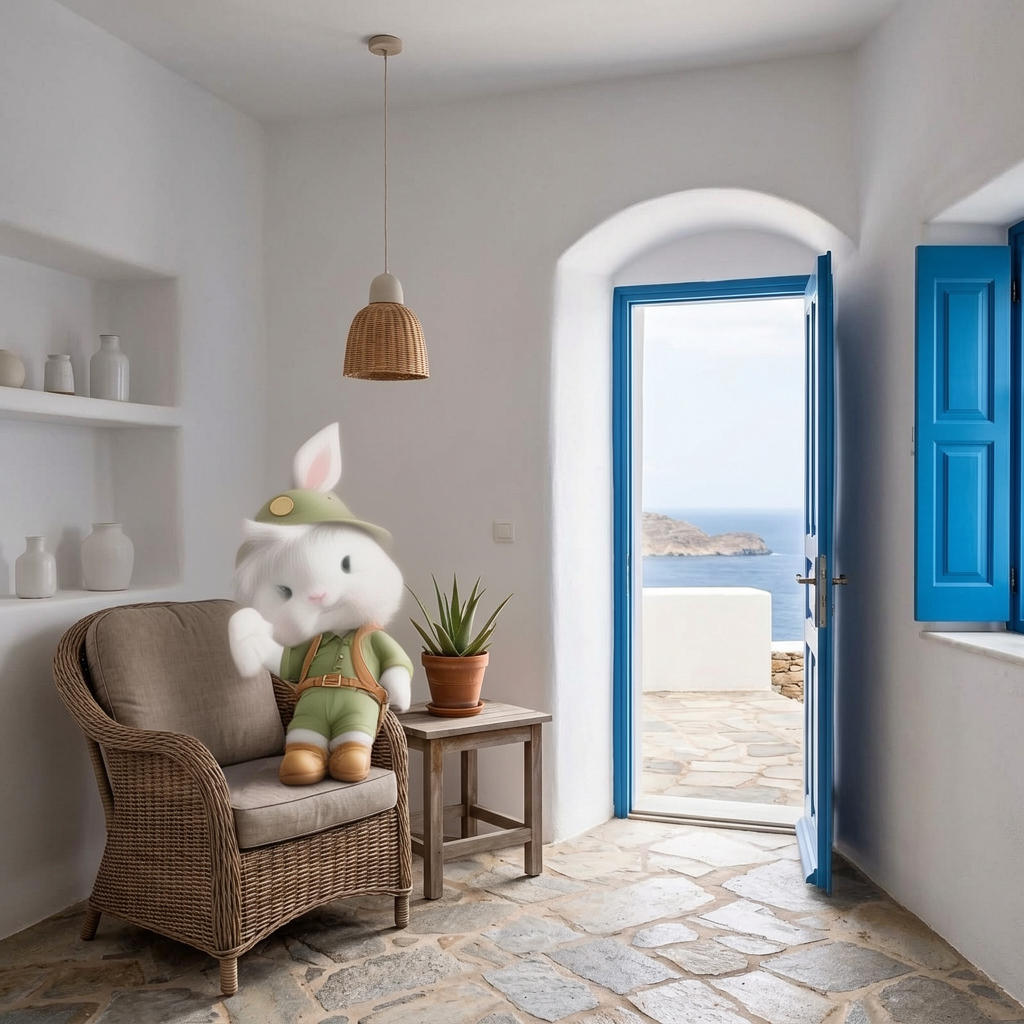
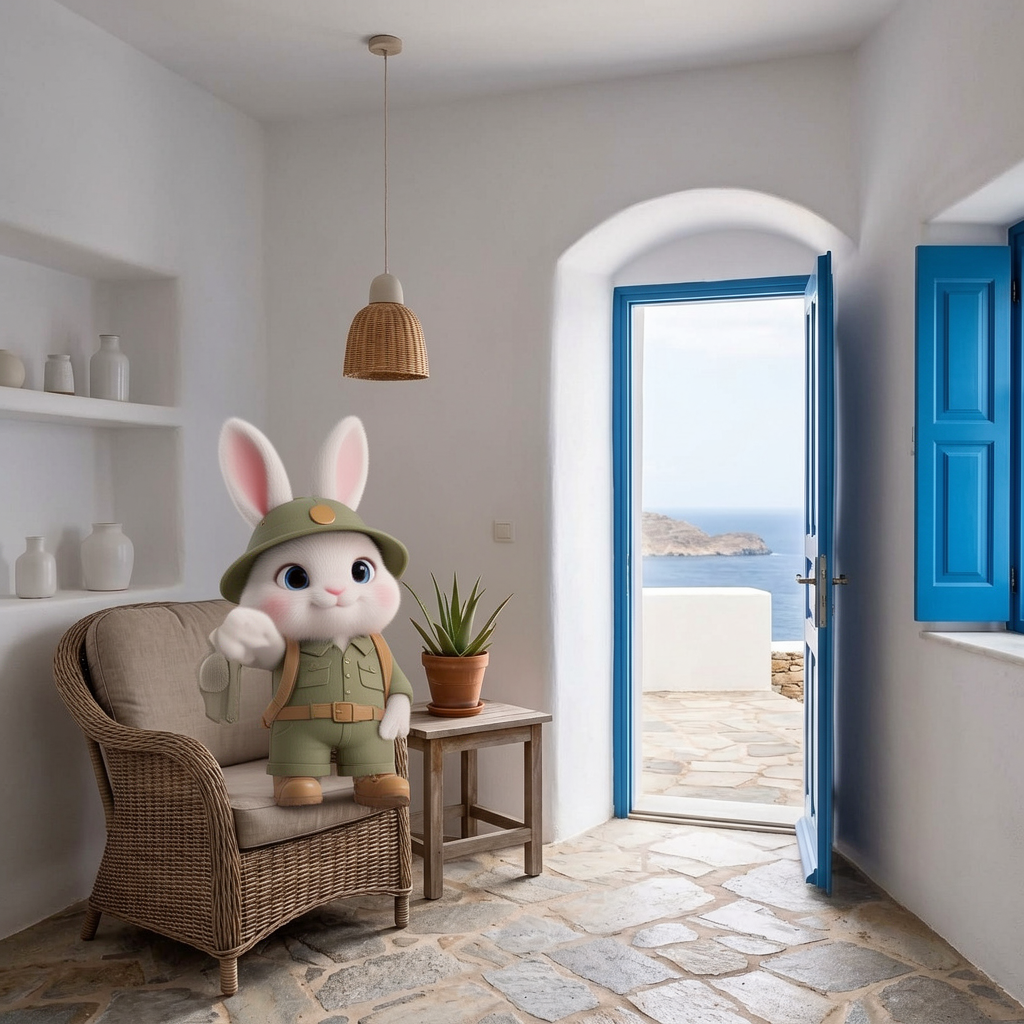
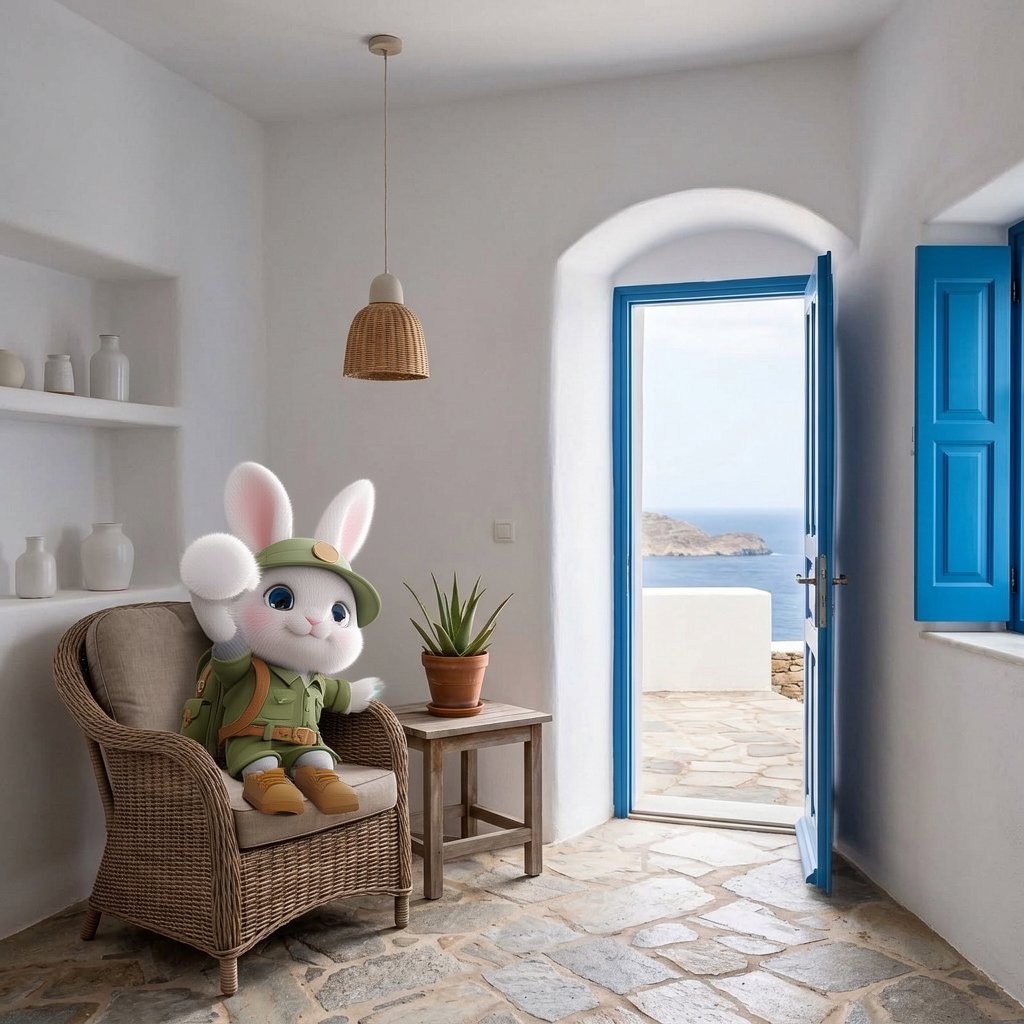
Below is the actual output from three different runs of the workflow.
Closed source, AI2Play YouTube channel
However you can also simply use ChatGPT.
This can be accomplished on a mobile phone or a cheap laptop. Nothing to download.
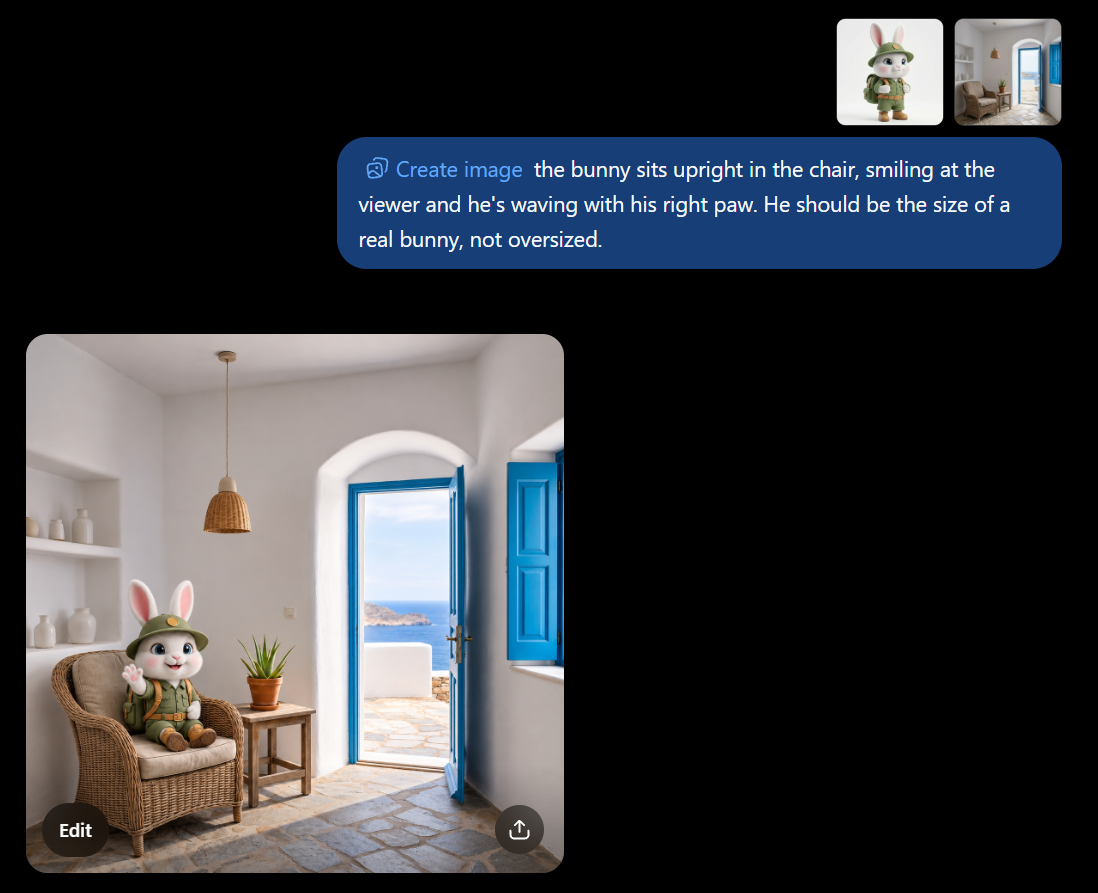
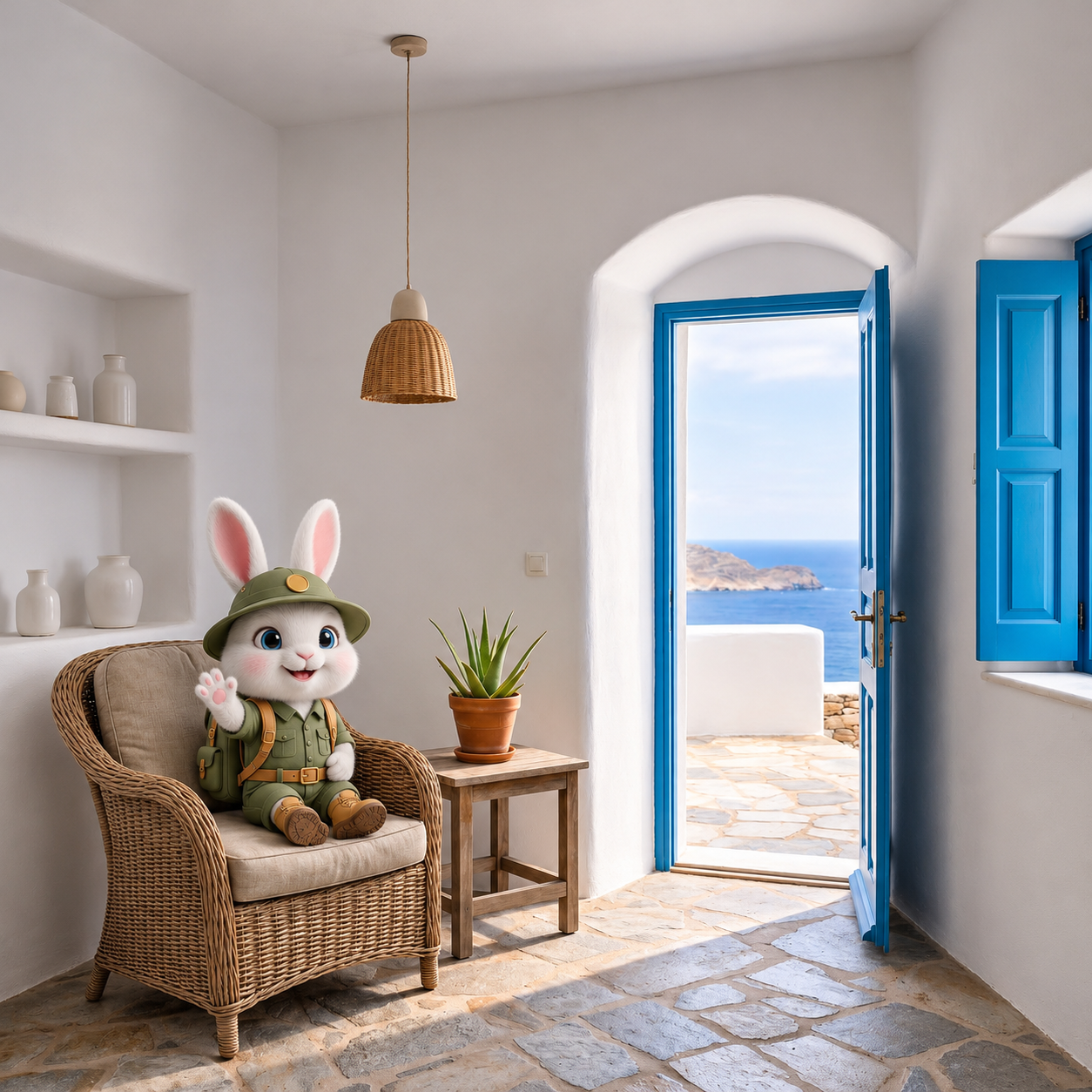
In my mind the simplicity of using ChatGPT this way versus downloading large models for ComfyUI and running specialized workflows on an expensive gaming computer with an NVIDIA graphics card: Closed Source wins most of the time and is my preferred solution.
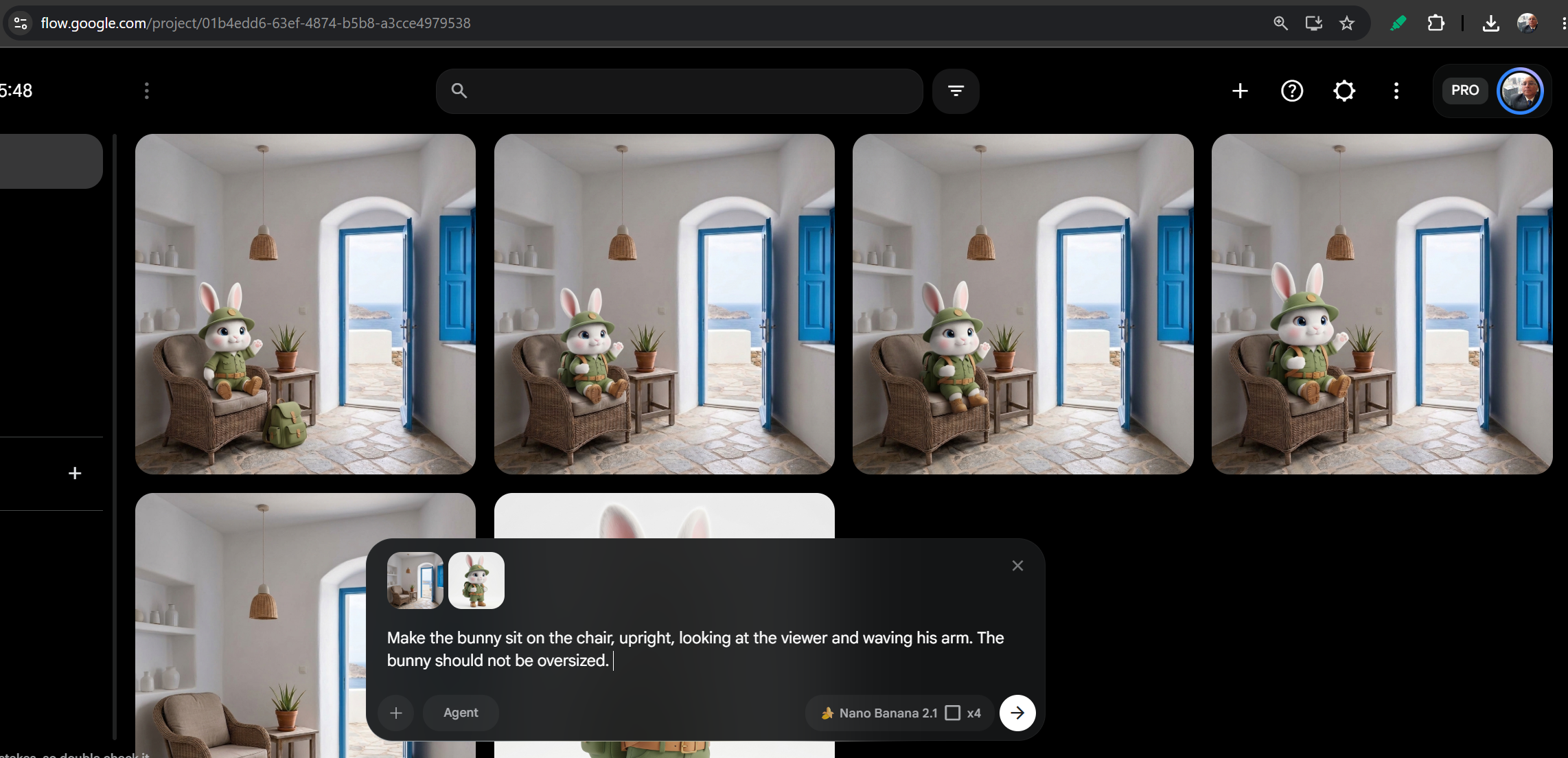
Instead of ChatGPT, you could use Google Flow, at https://flow.google.com/
The beauty is you can have up to four variations generated simultaneously and pick your favorite.

I encourage you to check out and support https://ai2play.net/
On YouTube this channel can be found at https://www.youtube.com/@AI2Play