
The Stain on the Sidewalk in Davenport

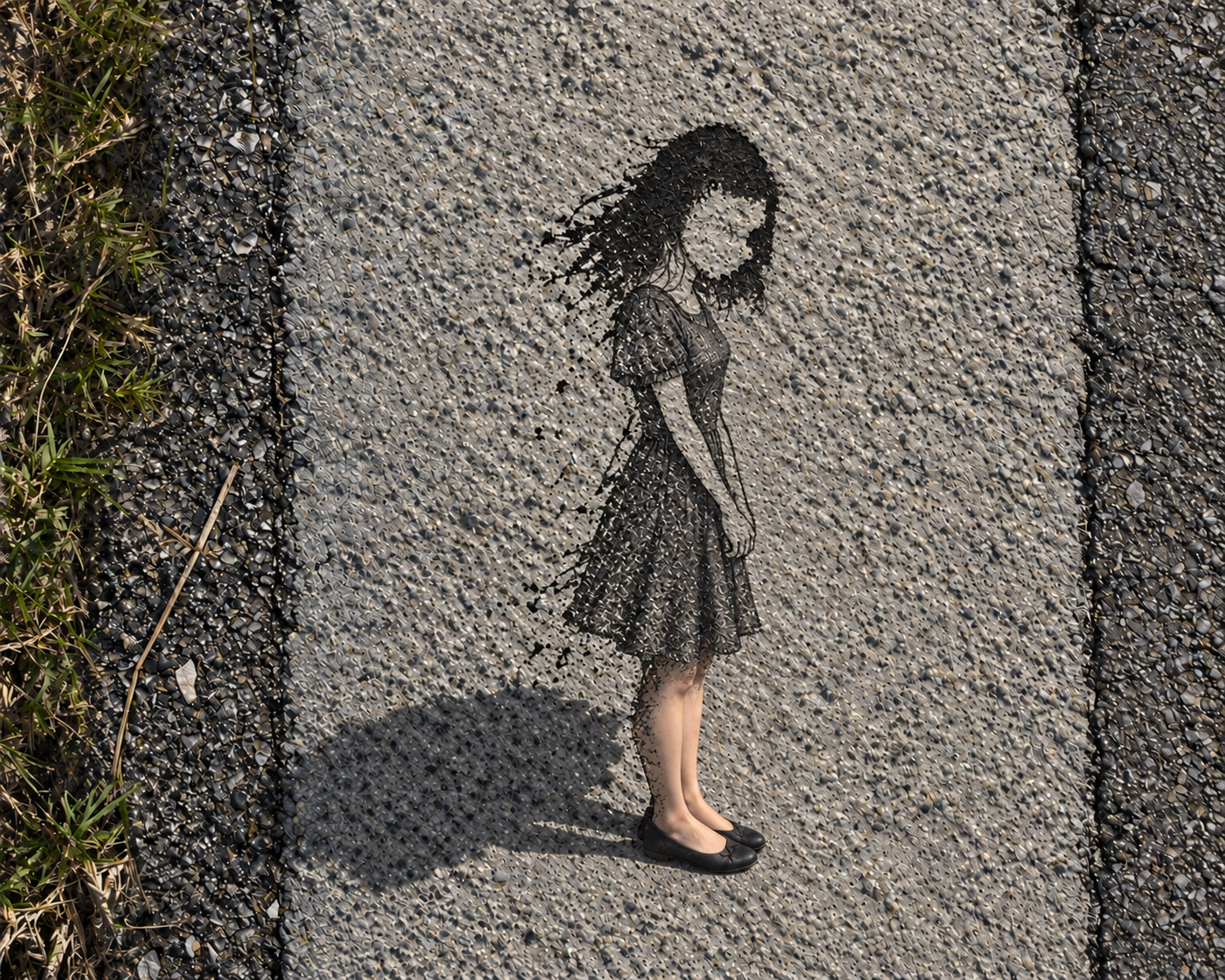
The short version (TL;DR): A tar stain on a sidewalk during today's morning walk happened to look like a girl's head and hair. That Pareidolia turned into a short film — built by chaining five different AI tools together and letting code do the assembly work a human editor would normally do by hand.
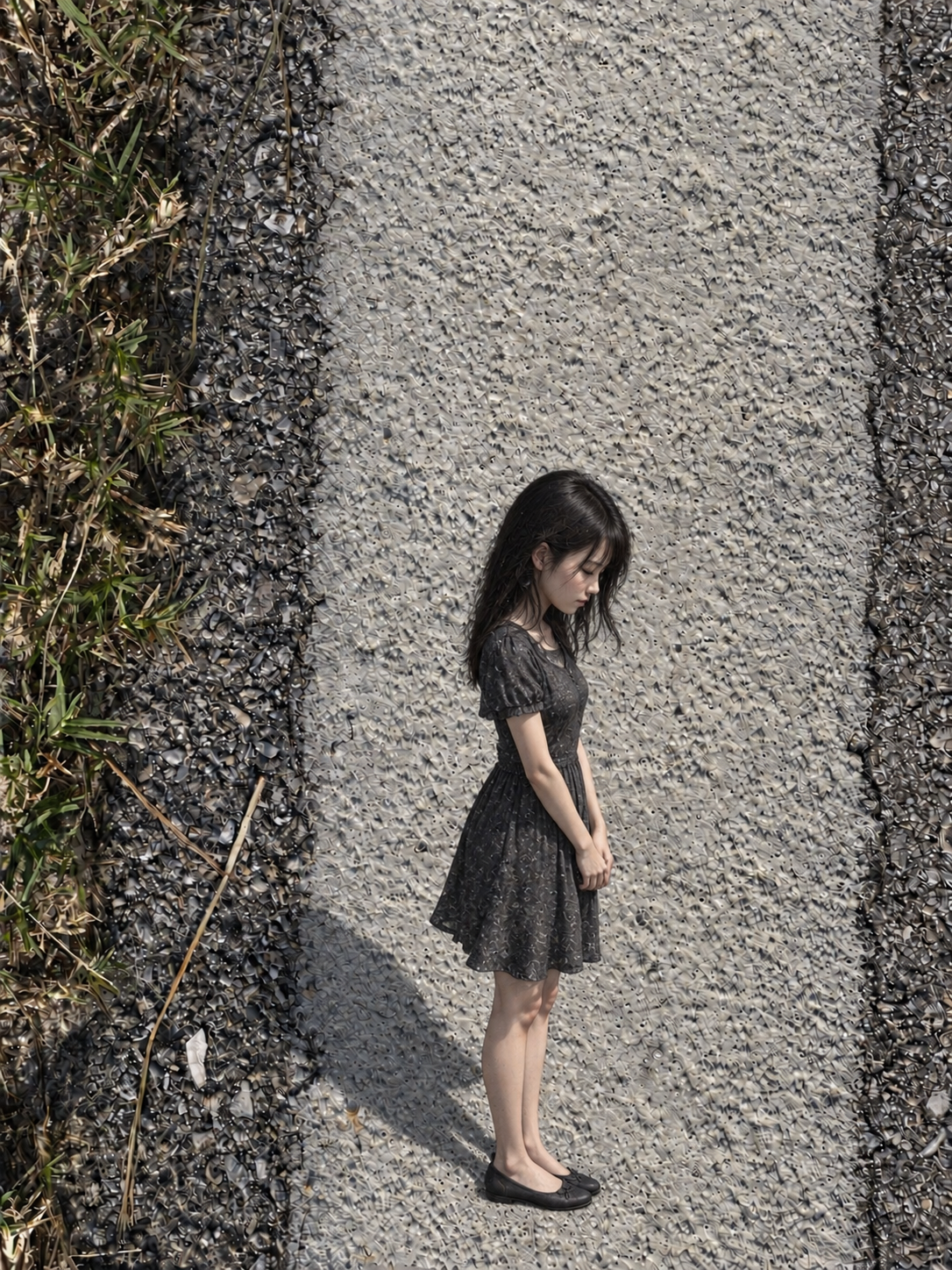
It started on our morning walk in Davenport. There was a mark on the road — not chalk, not anything anyone drew on purpose, just a dark stain pooled in the the sidewalk, roughly head-shaped. Most days that's just pavement.
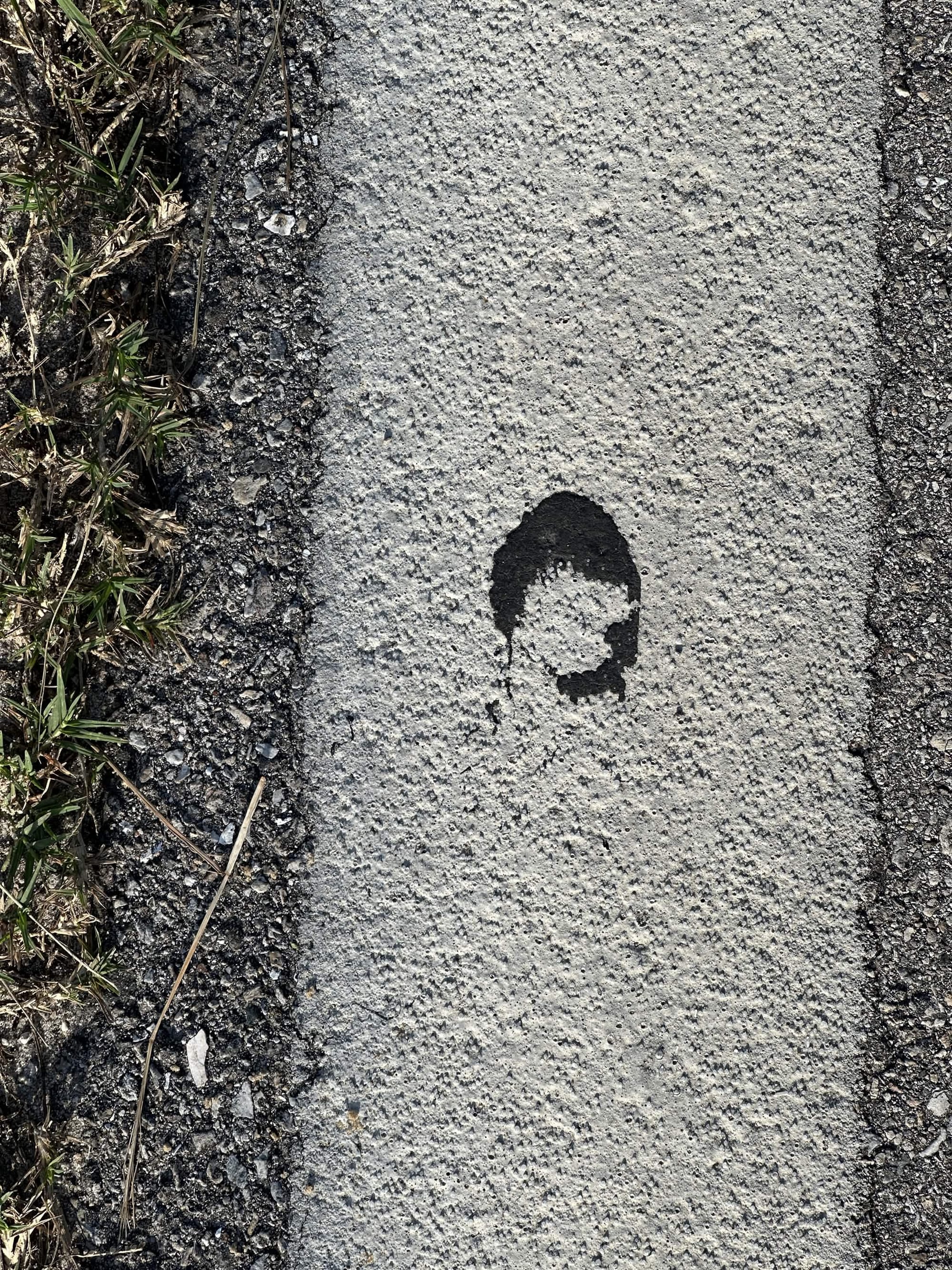
This time it looked like a girl standing there with her head down, and I couldn't unsee it.
From a stain to four images
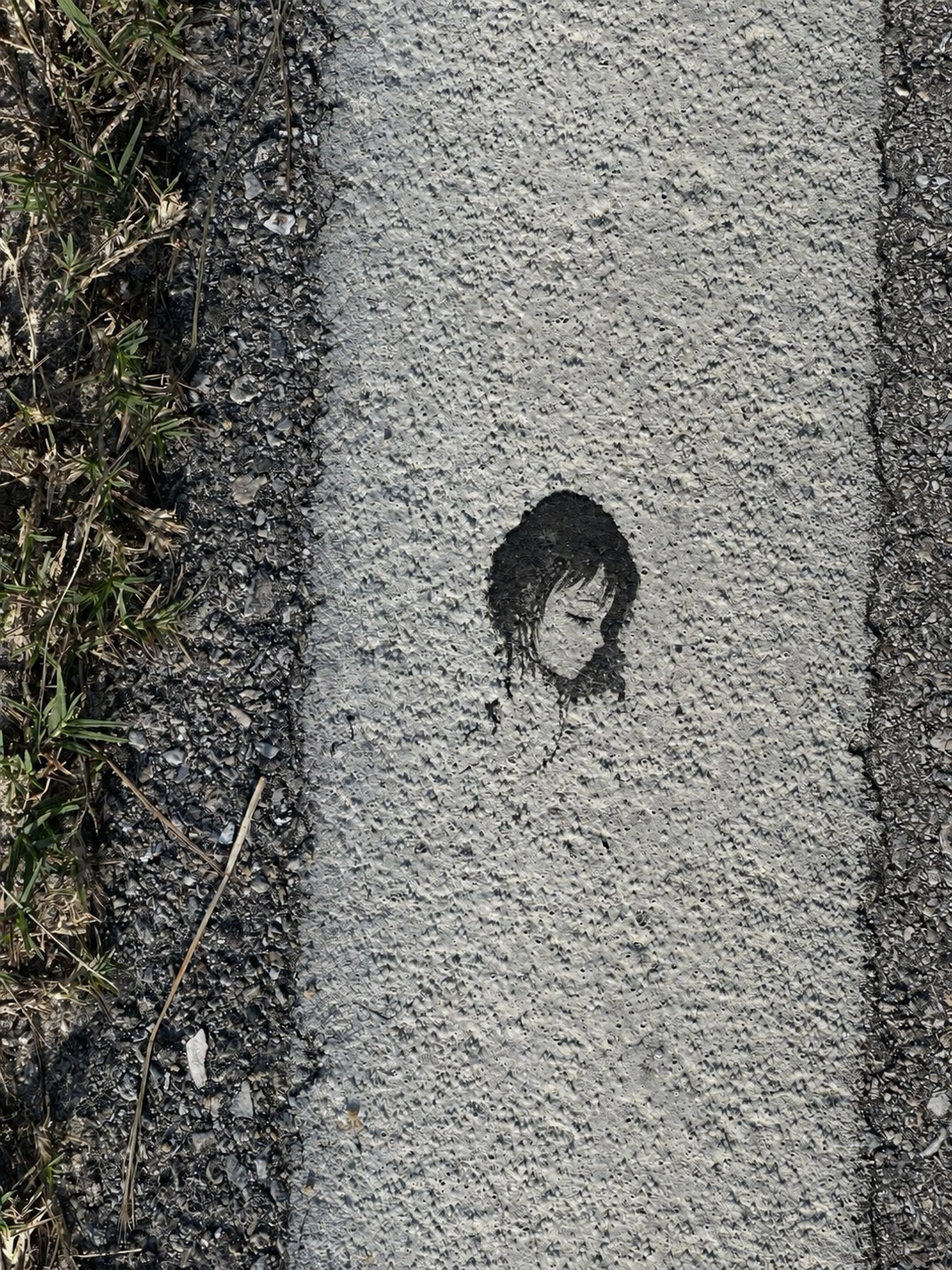
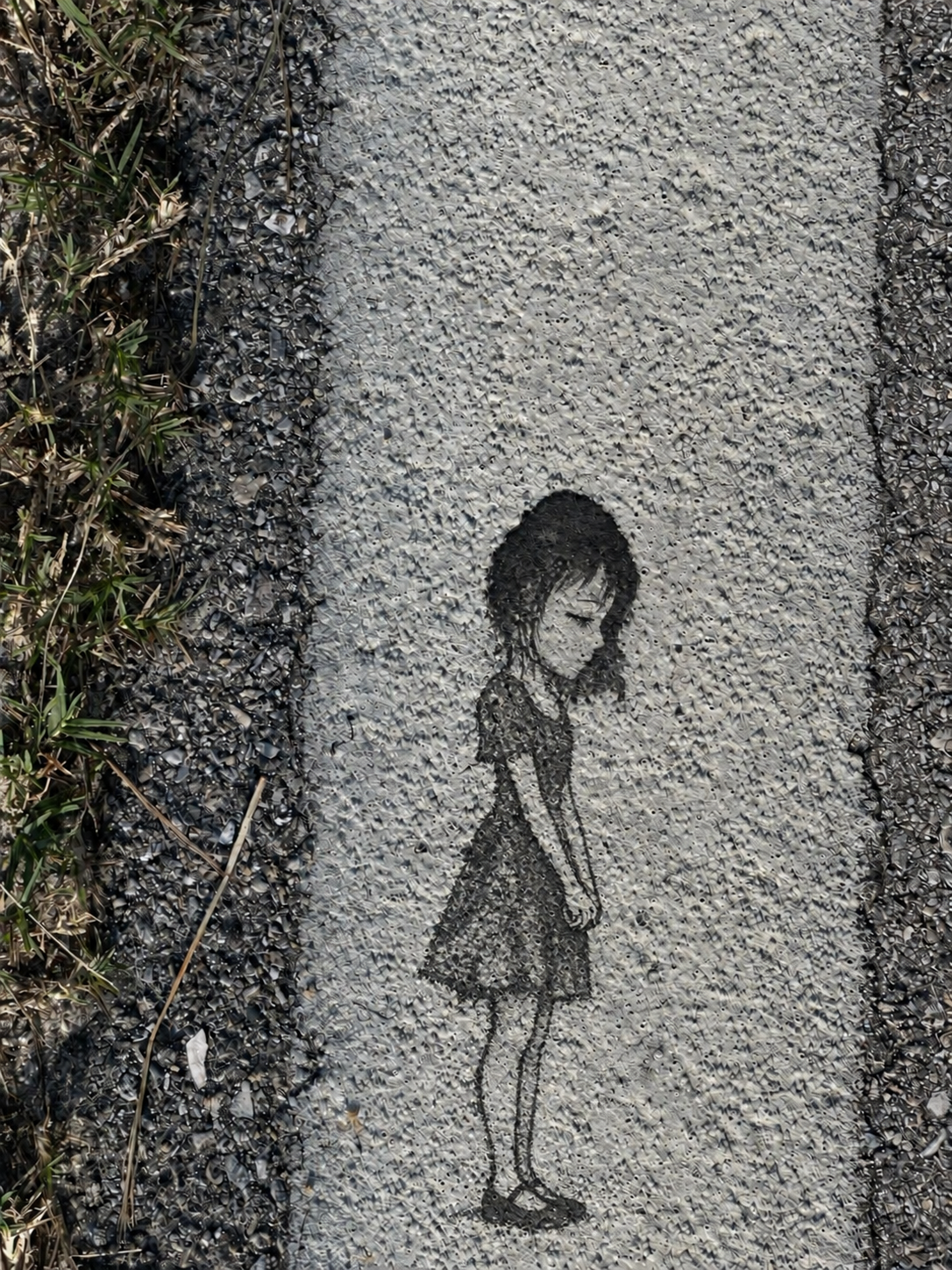
Back home, I fed the photo to ChatGPT and asked for four images: the stain itself, doing the work of her head and hair inside a full ink-sketch figure standing in that same spot, then three stages of her coming to life from there — filling in, turning photoreal, standing up off the pavement in full color. Nothing fancy yet, just the four beats the animation would need to hit.
Kling turns stills into motion
Those four images went into Kling, which is where the piece actually became a video — four clips back to back, one continuous 38-second timeline: the ink outline drawing itself in, filling with color, becoming a real girl, then smiling, waving, and walking off the sidewalk for good. That timeline became CapCut project 0915.
Asking Claude what she'd say
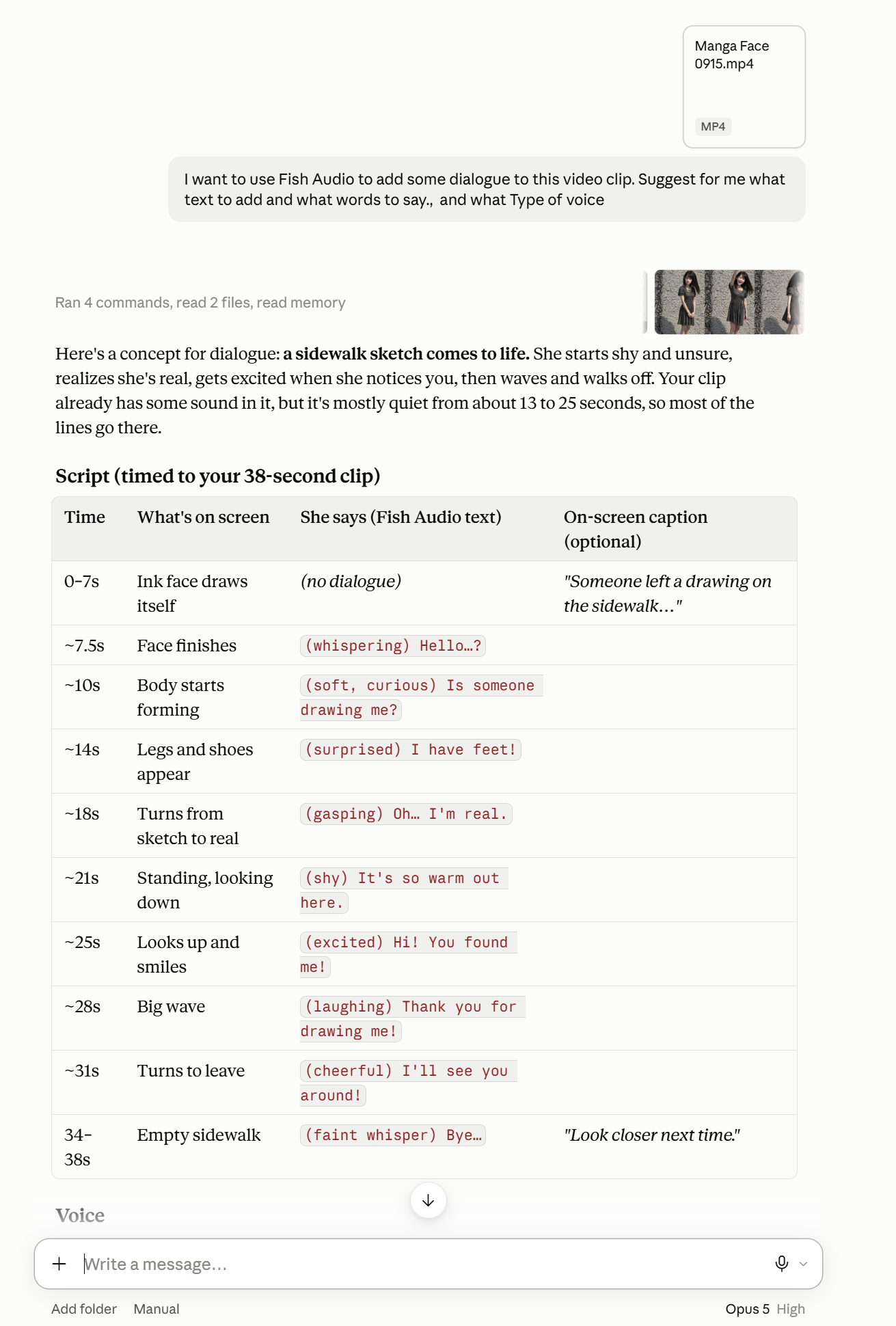
A finished animation with no voice is just a nice video. So I asked Claude to actually watch the clip and write her dialogue — nine short lines tracking her emotional arc, from a whispered "Hello...?" as she first stirs, through the surprise of "I have feet!", to a soft "Bye..." as she walks away. Claude also gave each line a timestamp, so the lines would land on the beats already in the footage instead of fighting them.
Letting code build the CapCut file
This is the part I didn't expect to enjoy as much as I did: instead of opening CapCut and dragging nine audio clips onto a timeline by hand, I had Claude Code do it — reading and rewriting draft_content.json, the plain-JSON file CapCut saves its projects as. The script:
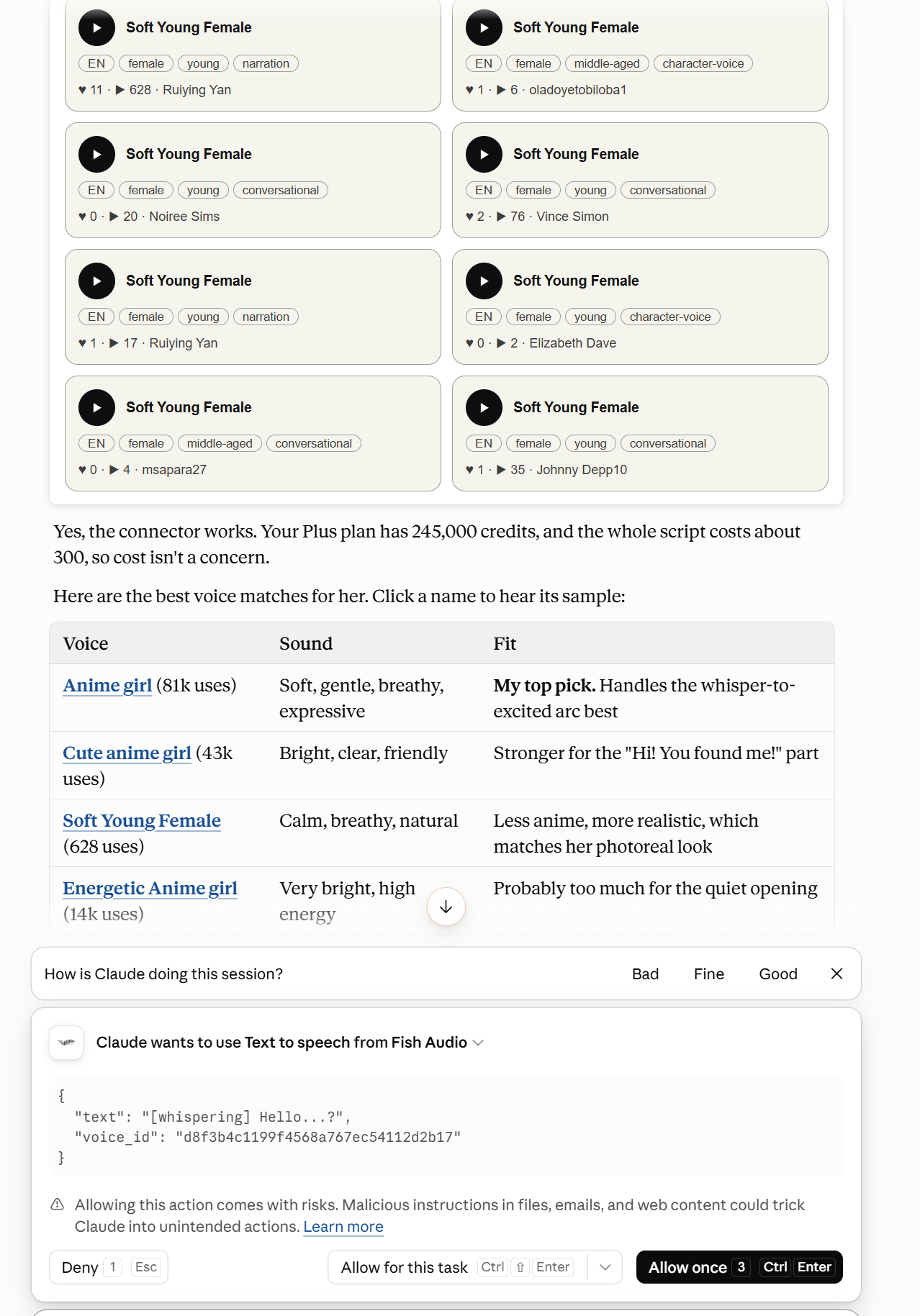
- Turned Claude's nine lines into voice clips using Fish Audio's "Anime girl" voice, with emotion tags like
[whispering]and[gasping]baked into the text so the delivery matched the beat, not just the words. - Downloaded all nine clips and placed them on a new audio track, each one starting at its scripted timestamp, so nothing overlapped.
- Added two more tracks for atmosphere — a cricket ambience track and a soft classical piano underscore, both downloaded free from Pixabay, sitting quietly under the dialogue instead of competing with it.
One honest correction along the way: I first assumed Fish Audio could generate the sound effects too, since it lists voices literally titled "Sound Effects." It can't — those are just voice actors narrating the words "beeps, clinks, mechanical clacks" out loud. Once I actually checked instead of trusting the label, the crickets and the piano came from Pixabay instead.
The last ten percent, by hand
Once the four tracks were in place, I opened the project in CapCut myself and added echo effects — the one step that stayed manual, because taste is still the part a script can't do for you.
Why this one stuck with me
None of the five tools in this chain know about each other. ChatGPT doesn't know Kling exists. Kling has never heard of Fish Audio. The only thing holding the whole pipeline together was a plain JSON file and a willingness to have code do the tedious, error-prone parts of assembly so I could spend my attention on the parts that actually needed judgment — which line she'd say first, how loud the crickets should sit, where the echo should catch.
A month ago this would have been a stain I stepped over on a walk. Instead it's nine lines, four clips, and three layers of sound, and it started because I looked down instead of past it.