
Trio of AI Art & Design Videos
A trio of videos: A) JSON prompts that can help with accurate images, B) how to leverage Google Stitch for design. C) LTX 2.3 Transitions

JSON Prompts for utilizing styles for Images
Craig Does AI shares his files for a Notebook LM assisted Gemini gem via a Notion document.
- NotebookLM Setup: The four files are uploaded as sources to a NotebookLM notebook.
- Gemini/Gem Setup: A custom "Gem" is created in Gemini by pasting the instructions and attaching the NotebookLM notebook as a reference.
Key Takeaways & Benefits:
- Consistency: The system ensures that the AI stops "guessing" and follows a strict technical profile, resulting in images that align closely with the user's intent.
- Flexibility: Once the prompt is generated, it can be used in various platforms like Google Flow, Grok, or ChatGPT.
- Iteration: Users can easily modify the result by adding simple requests (like adding a sailboat or a hat) to the generated JSON code, maintaining the original style while updating specific elements
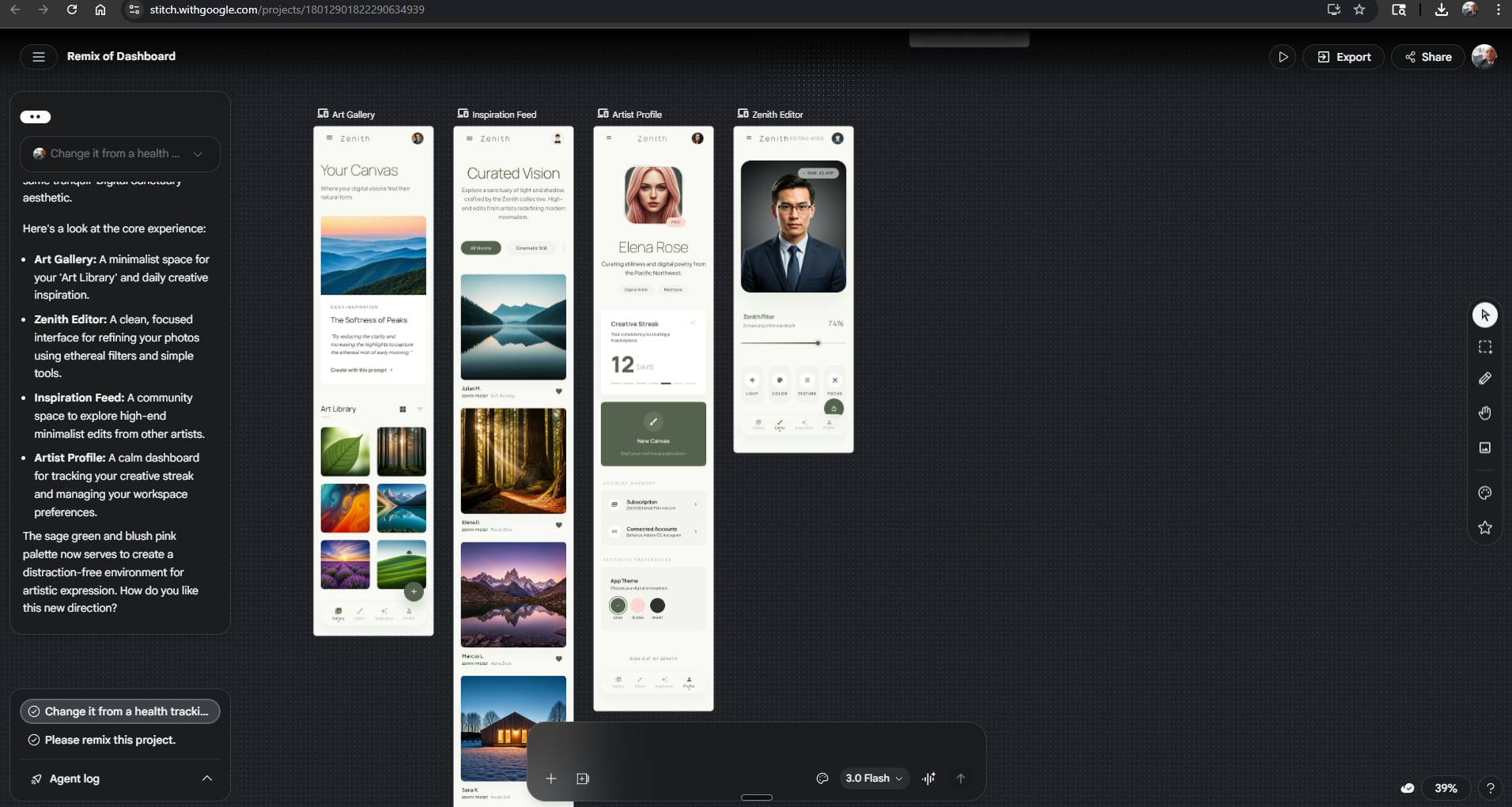
Google Stitch + AI Studio for apps & website Design
This video introduces a free, no-code workflow using two Google tools—Google Stitch and Google AI Studio—to build professional-grade apps and websites without needing designers or developers.
Key Stages of the Workflow:
- Design with Google Stitch:
- Design System First: Unlike typical AI tools that generate disjointed screens, Stitch builds a consistent "design system" (colors, fonts, spacing) before creating layouts.
- URL Inspiration: You can input a website URL to extract its aesthetic and design rules, ensuring your project has a professional look.
- Refinement & Iteration: Fix specific elements (like text readability or image choices) through text prompts or voice commands without regenerating the entire app.
- Prototypes: The "Instant Prototype" feature allows you to navigate the app, test mobile/tablet responsiveness, and verify functionality before writing any code.
- Development with Google AI Studio:
- Seamless Export: Designs from Stitch can be exported directly into Google AI Studio, which preserves the design system settings while converting the visuals into working code.
- Adding Functionality: You can add complex features, such as search bars or dynamic itineraries, by describing them in plain language within AI Studio.
- Deployment :
- Once the app is functional, you can "publish" it directly from AI Studio to receive a live, shareable URL for public access.
LTX 2.3 Transitions
This video introduces the use of a transition LoRA, which creatively blends between the first and last frame. I explored this effect in this short Easter video.
Transitions using LTX 2.3